Prices in this guide: from 45 € to 110 €
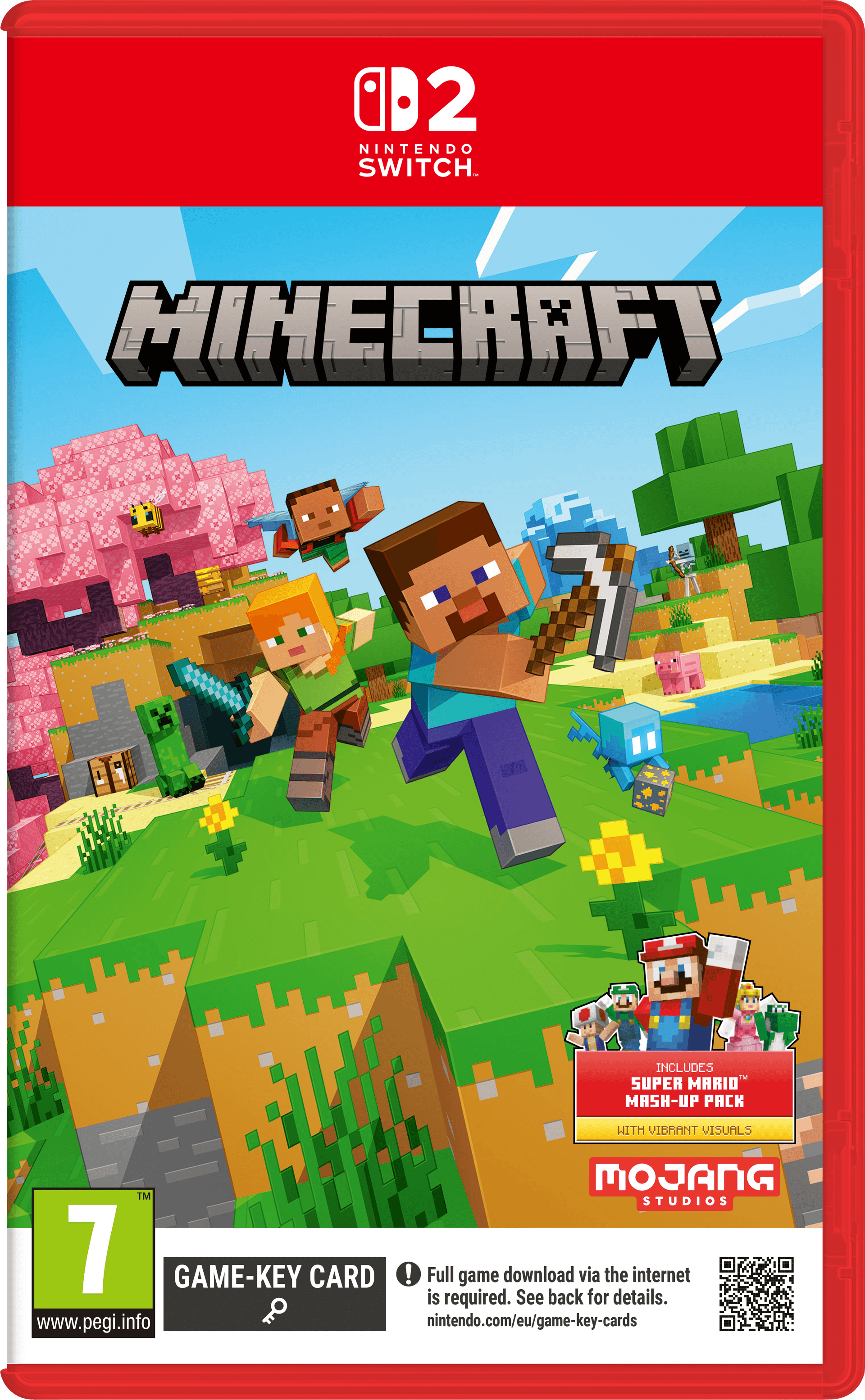
Minecraft on Switch 2: how to play split screen together
Minecraft is one of the best games to play together, but getting two players going on the same TV is a bit fiddly the first time. The trick is a single world setting that most people miss. Here is how to do it, step by step.
Buy now
The short answer
- Split screen on one console: switch off multiplayer in the world settings, connect another controller and press plus on it. The screen then splits.
- No subscription is needed to play together on the same console.
- Playing online with friends on other consoles: that requires an active Nintendo Switch Online membership.
- Each player needs their own controller.
What you need
- A Nintendo Switch 2 with Minecraft.
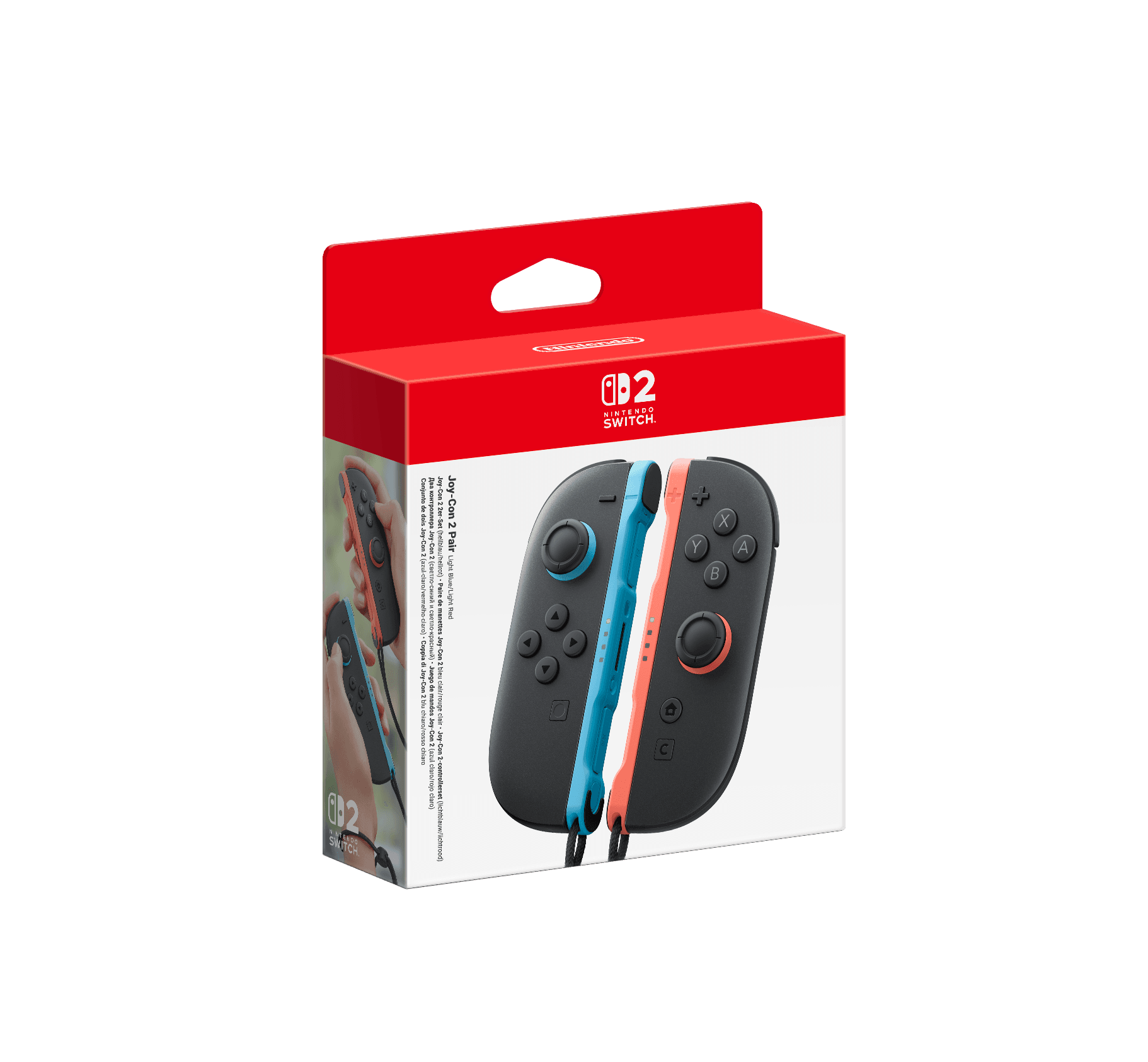
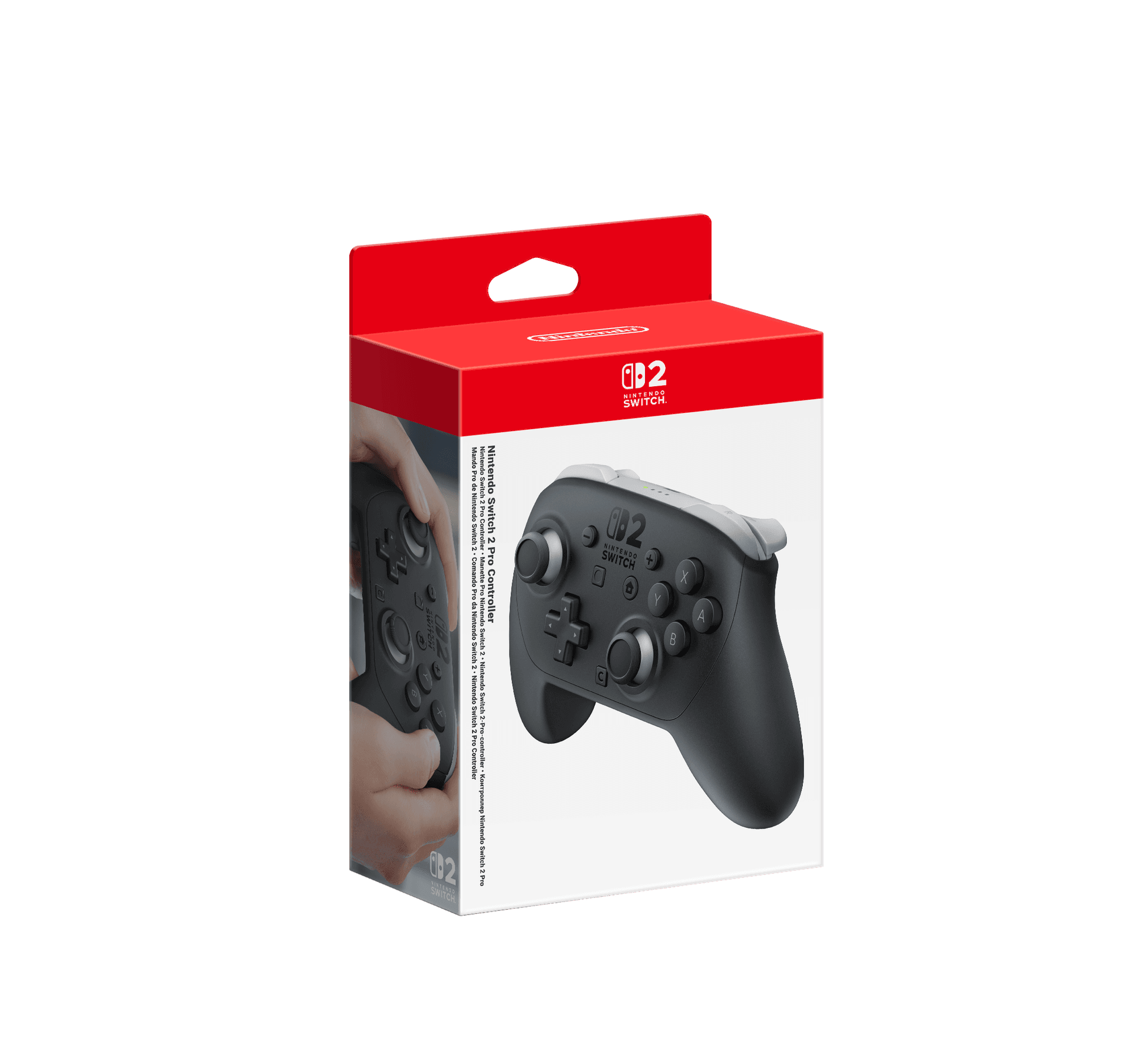
- One controller per player, for example an extra pair of Joy-Con 2 or a Pro Controller.
- Ideally a TV. The screen is shared between players, so each part gets small on the console's own screen.
How to turn on split screen, step by step
1. Dock the console so the game shows on the TV. 2. Go to the world you want to play, but do not start it yet. Choose to edit the world (the pencil next to it). 3. Switch off multiplayer. Under Multiplayer, turn off the Multiplayer Game toggle. This is the step that makes the difference. 4. Start the world as usual. 5. Connect the second controller and press its plus button. Choose which user will play, the screen splits and the second player joins.
To add more players, do the same with the next controller.
Why does multiplayer have to be switched off?
With multiplayer switched on, the game tries to open the world for online play. That requires Nintendo Switch Online, and without an active membership the second player cannot join. The game says so itself in a message: without a subscription, multiplayer must be off for split screen to work.
With the toggle off, the world stays on the console and you play split screen without any subscription.
Playing online with friends: Nintendo Switch Online required
To play with someone on their own console, at home or in the next room, you need an active Nintendo Switch Online membership. That applies to most online games on Switch 2, not just Minecraft.
With the membership you leave multiplayer switched on in the world and invite your friends. Nintendo states that Minecraft supports up to eight players online.
Good to know about split screen
- Up to four players on the same console, according to Nintendo.
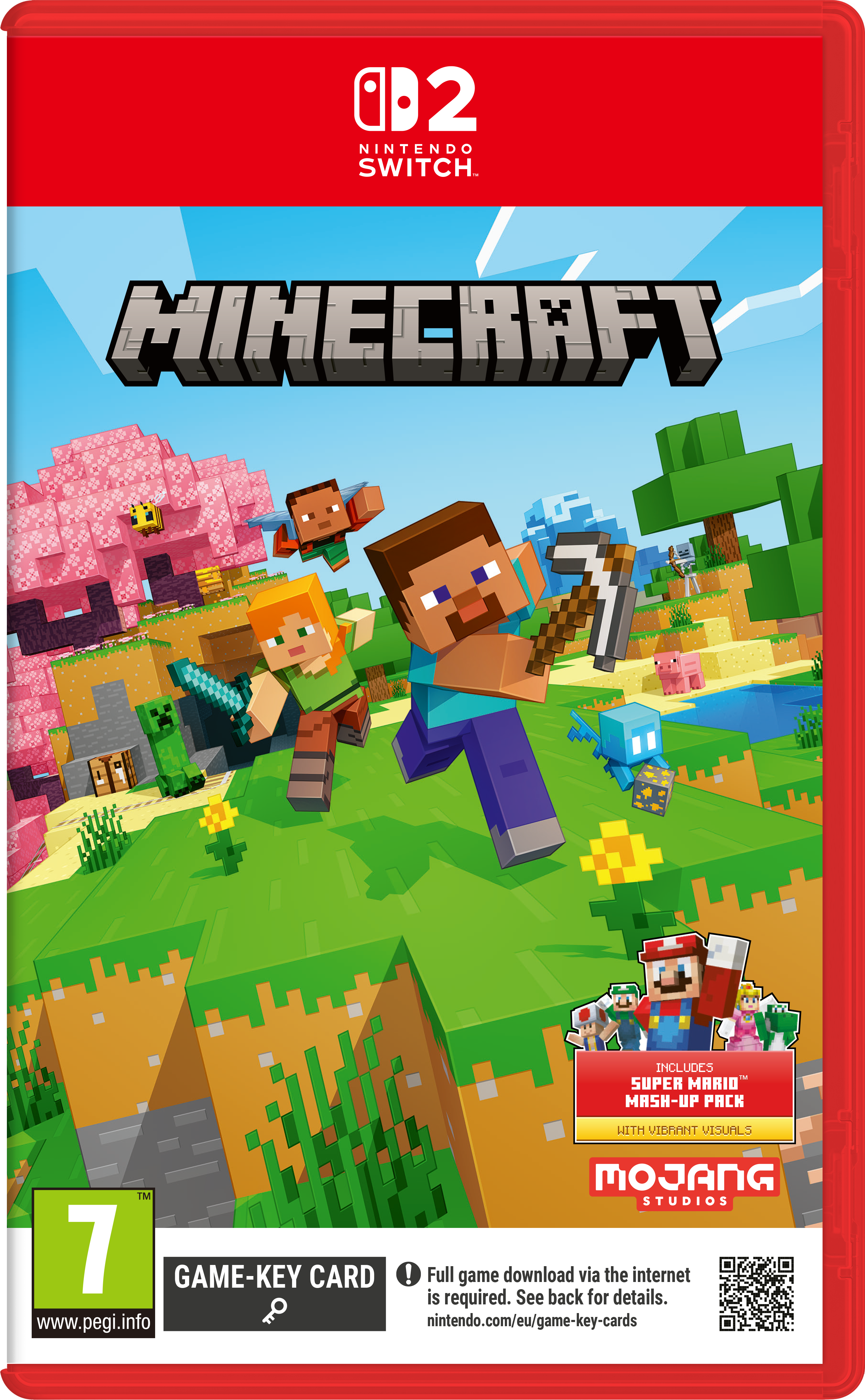
- Vibrant Visuals, the new graphics in the Switch 2 edition, are not used when the screen is split. The game looks a little simpler with several players, but plays exactly as usual.
- Each player has their own inventory and can head off in different directions in the same world.
Missing a controller?
One controller per player is all you need besides the game. An extra pair of Joy-Con 2 is the easiest option, and a Pro Controller is the most comfortable for long building sessions. To see everything that fits your console in one place, use our Nintendo configurator and choose I already have a console.
Products in this guide
Looking for more games the whole family can play together? Read The best console for families.
If it does not work
- The screen does not split when you press plus: check that multiplayer really is off in the world settings and restart the world.
- The second player drops back to single player: make sure the second user has a Nintendo Account linked on the console.
- The controller does not respond: check that it is paired and charged in the console's controller menu.
We buy our Nintendo products from Bergsala, Nintendo's official distributor in the Nordics.
Frequently asked questions
How do you play two-player Minecraft on Switch 2? Switch off multiplayer in the world settings, start the world, connect a second controller and press plus on it. The screen then splits.
Do you need Nintendo Switch Online for split screen in Minecraft? No. Split screen on the same console works without a subscription, as long as multiplayer is switched off in the world.
Do you need Nintendo Switch Online to play Minecraft online? Yes. Playing with friends on other consoles requires an active Nintendo Switch Online membership.
How many can play Minecraft on the same Switch 2? Up to four players in split screen, according to Nintendo. Each player needs their own controller.
Why is split screen not working in Minecraft on Switch? Usually because multiplayer is on in the world without an active Nintendo Switch Online membership. Switch the toggle off and try again.
Do Vibrant Visuals work in split screen? No. The new graphics are only used when one player is playing.
Can I ask you about games and accessories? Yes. Write to customer service or email info@linneelektronik.com, and we will help you.
Published 19 November 2026 · Linné Elektronik
Join the Customer Club and we will email you when there are new videos and guides, along with our offers.