Prices in this guide: from 45 € to 110 €
What do you need for a Nintendo Switch?
A Nintendo Switch 2 is ready to play straight out of the box: the console, two Joy-Con 2 controllers, the dock, the HDMI cable and the AC adapter all come with it. No game is included, and in practice a family needs three more things: an extra pair of controllers (Joy-Con 2), a case with a screen protector and at least one game. A memory card only becomes necessary once you download games, and then it has to be microSD Express.
In our Nintendo configurator you pick the console, accessories and games in one window, see the total and can save or share the bundle as a link. What's in the box is covered in What's included with Nintendo Switch 2?
Buy now
The short answer
- Extra pair of Joy-Con 2: two pairs let four people play on the same TV.
- Case and screen protector: Nintendo's own Switch 2 case is sold with a screen protector in the same pack.
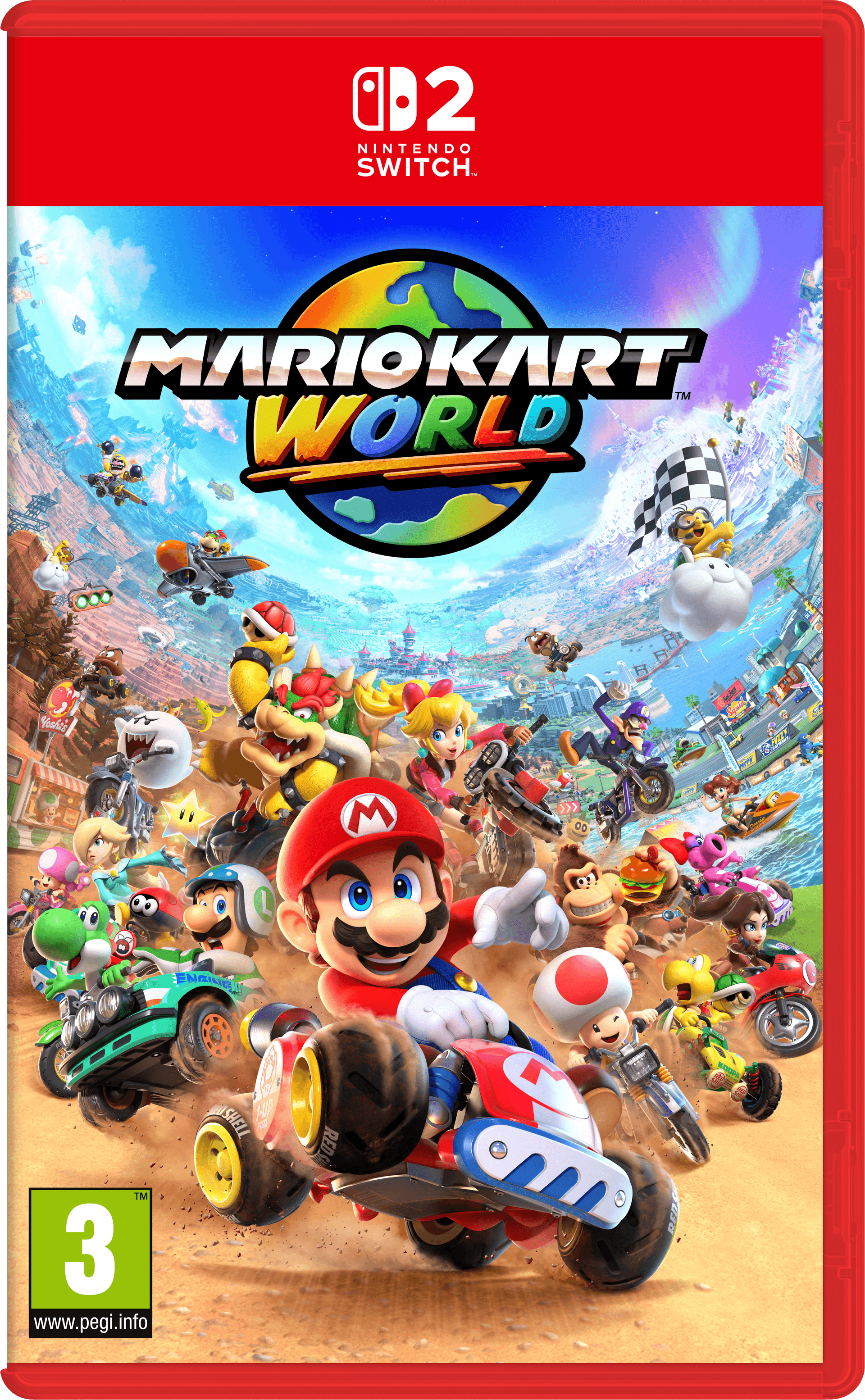
- At least one game: no game is included in the standard package. Mario Kart World is for 1 to 4 players and is rated PEGI 3.
- Memory card later: Nintendo Switch 2 has 256 GB built in and, according to Nintendo, only takes microSD Express cards, up to 2 TB.
Which Nintendo Switch accessories do you need?
An extra pair of Joy-Con 2, a case with a screen protector and a game. The rest depends on how you play:
| Item | Must-have or nice to have | Why |
|---|---|---|
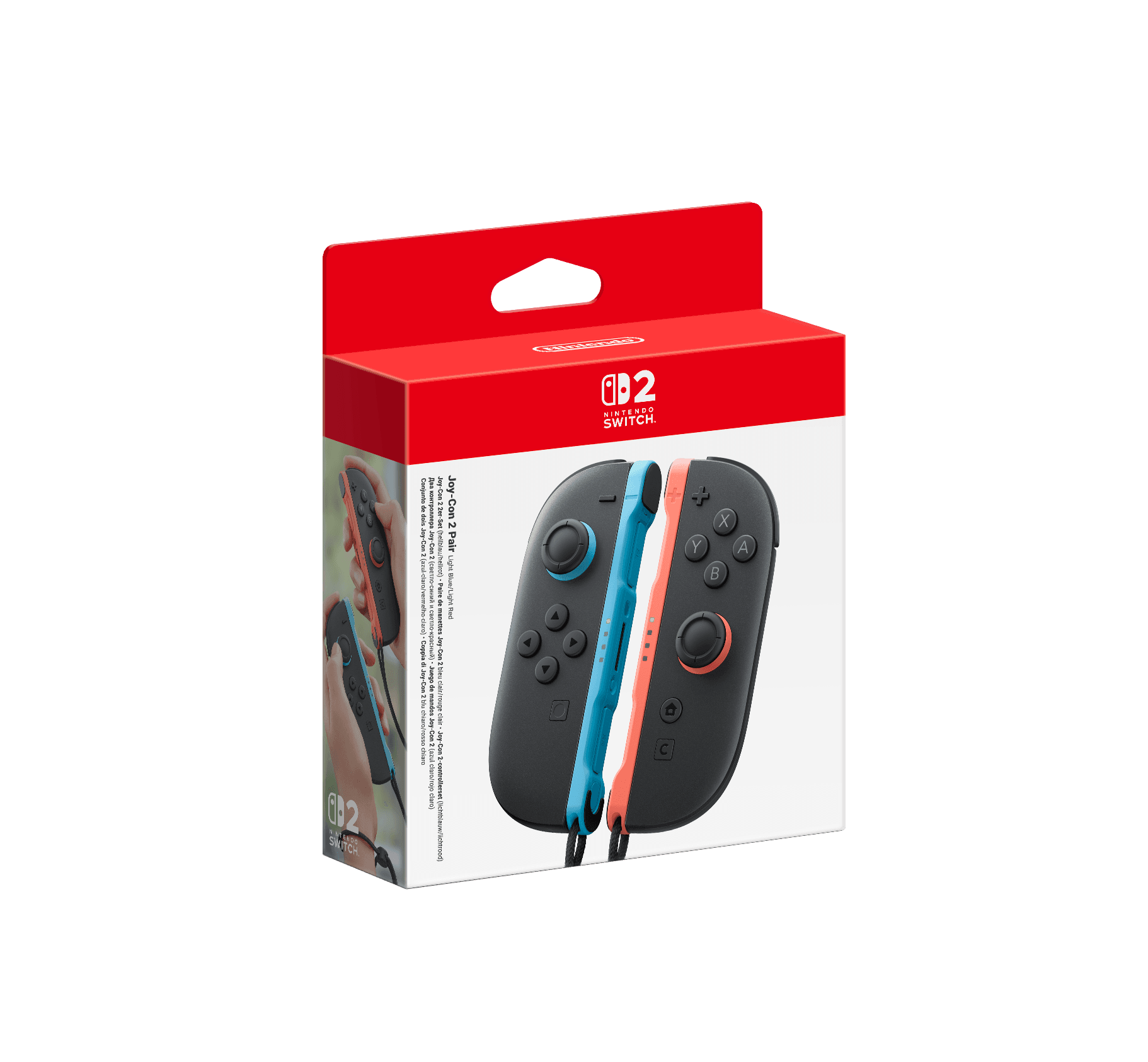
| Extra pair of Joy-Con 2 | Must-have for a family | Four can play on the same TV |
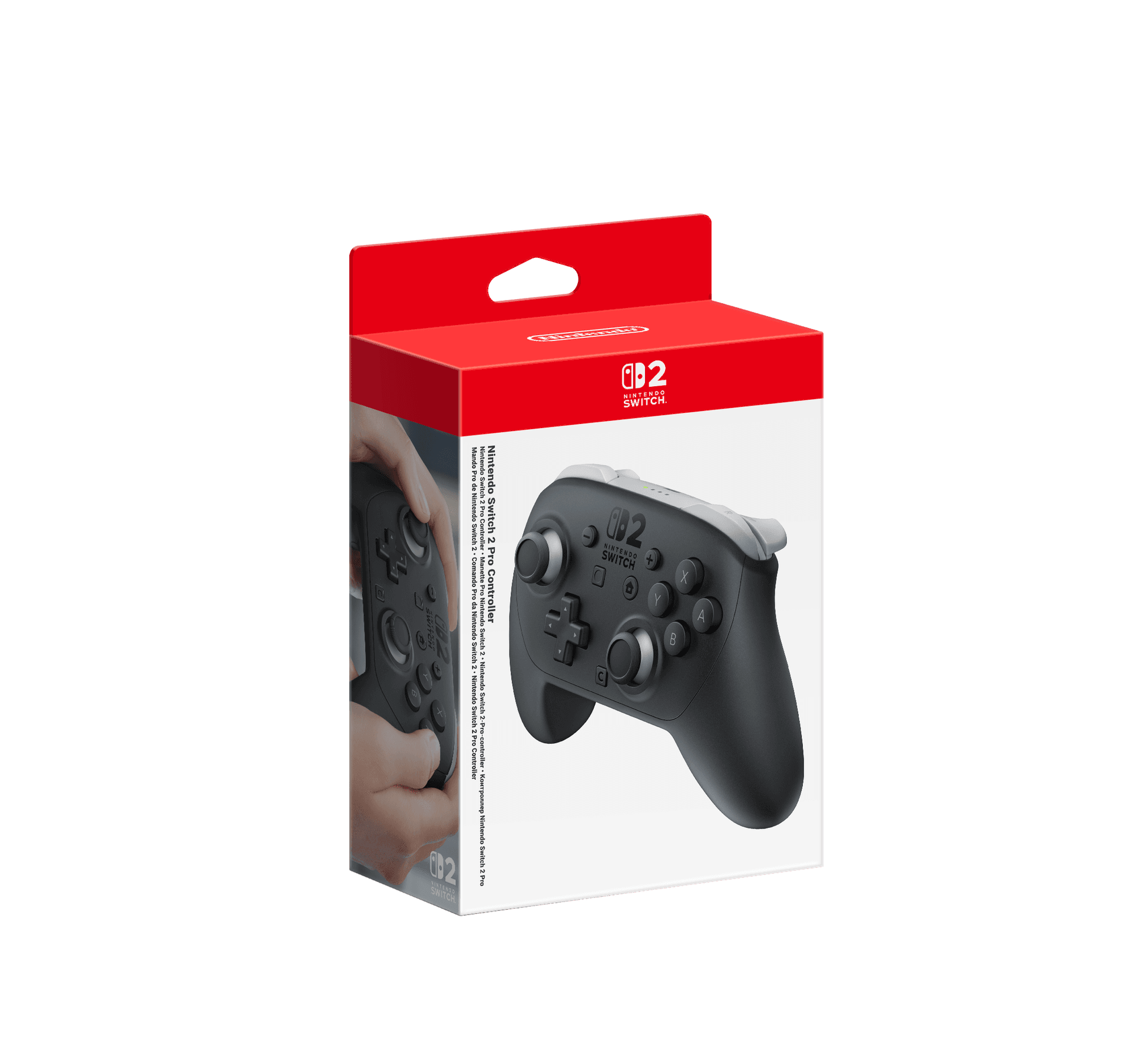
| Switch 2 Pro Controller | Nice to have | One full controller for longer sessions at the TV |
| Joy-Con 2 Charging Grip | Nice to have | Charges Joy-Con 2 while you play |
| Memory card (microSD Express) | Once you download games | 256 GB is built in |
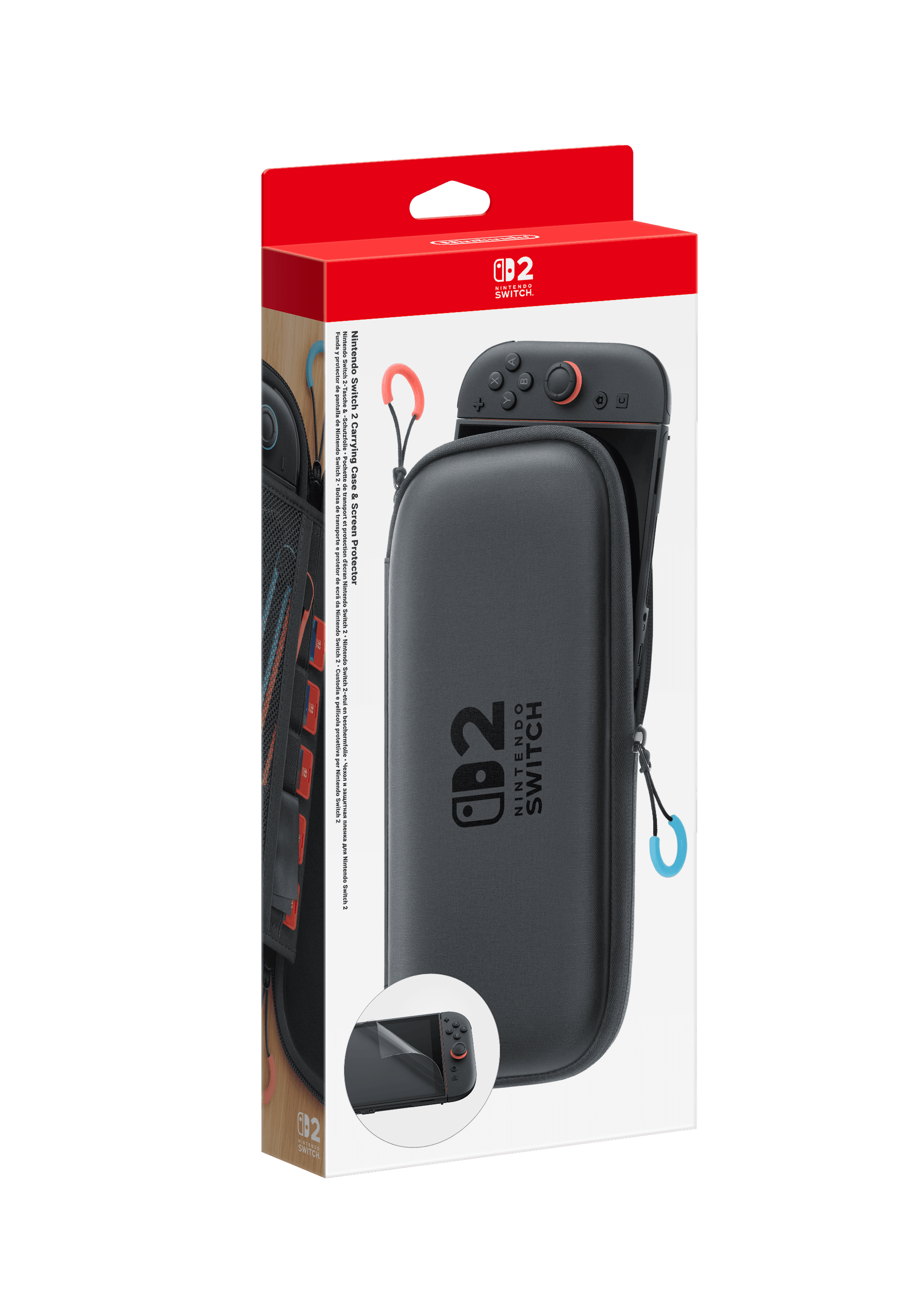
| Case and screen protector | Must-have | Protects the screen from scratches and the console in a bag |
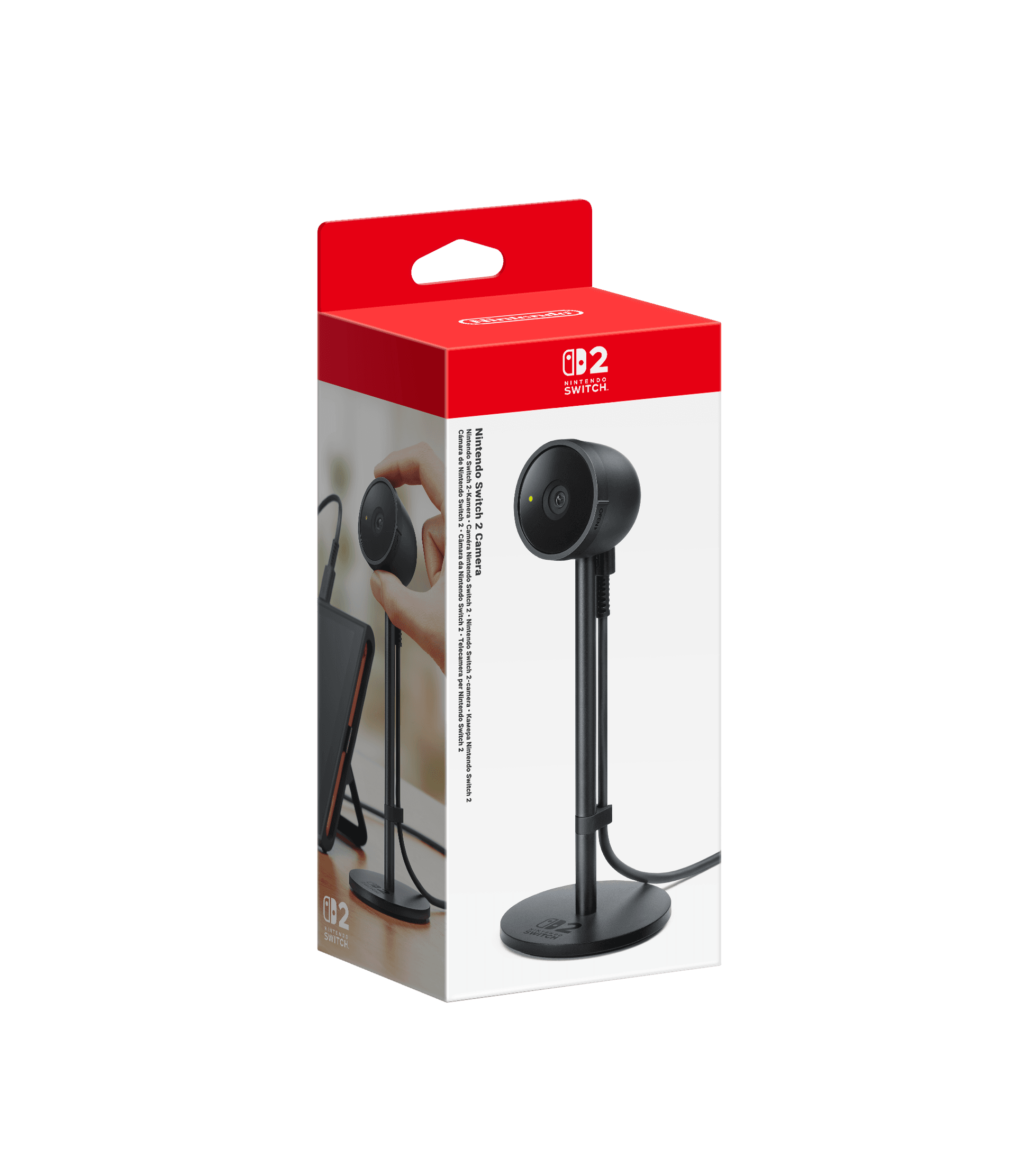
| Camera | For video chat and games with camera support | Voice chat in GameChat works without a camera |
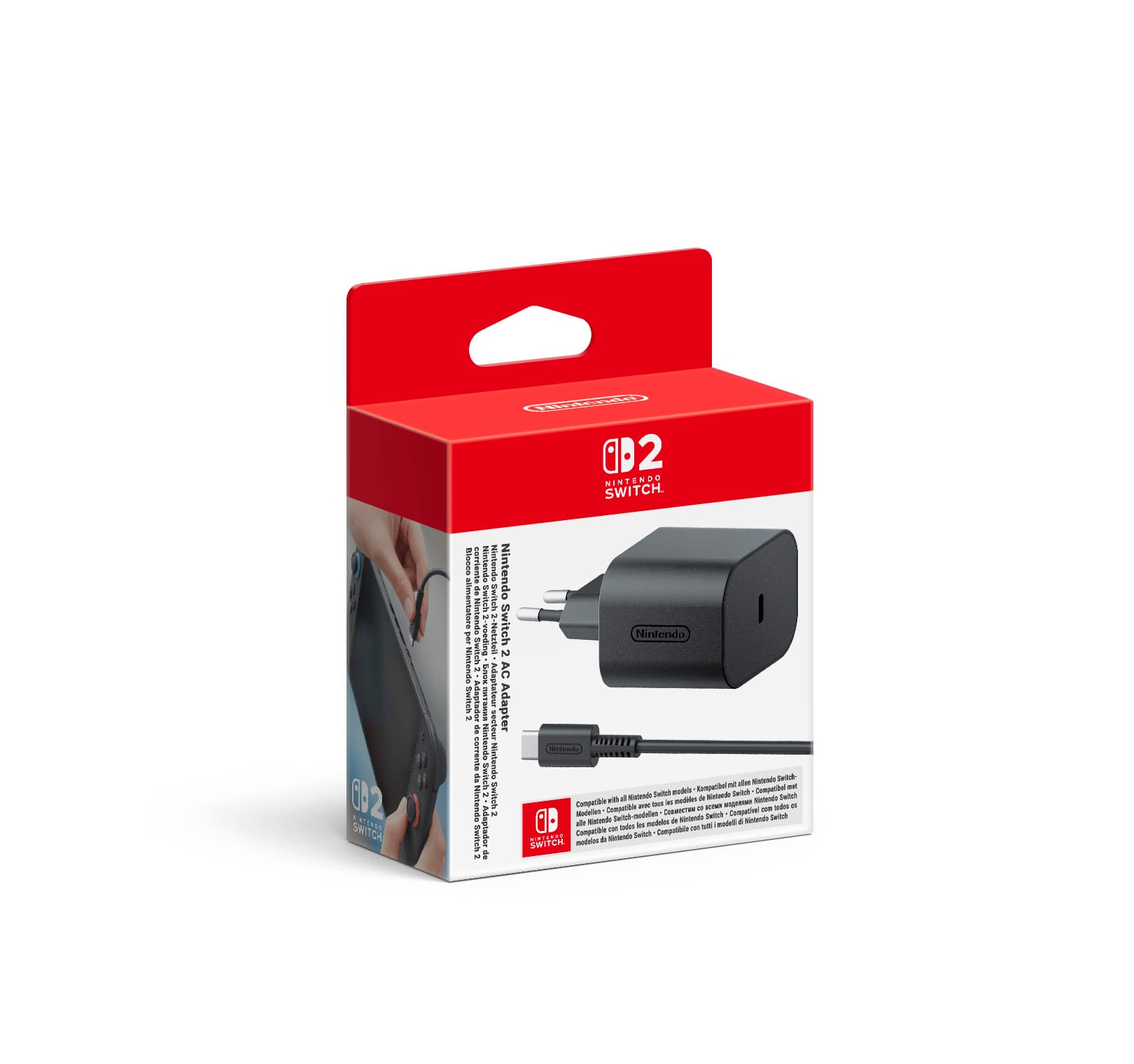
| Extra AC adapter | Nice to have | One can stay in the dock |
| Games | Must-have | No game is included in the standard package |
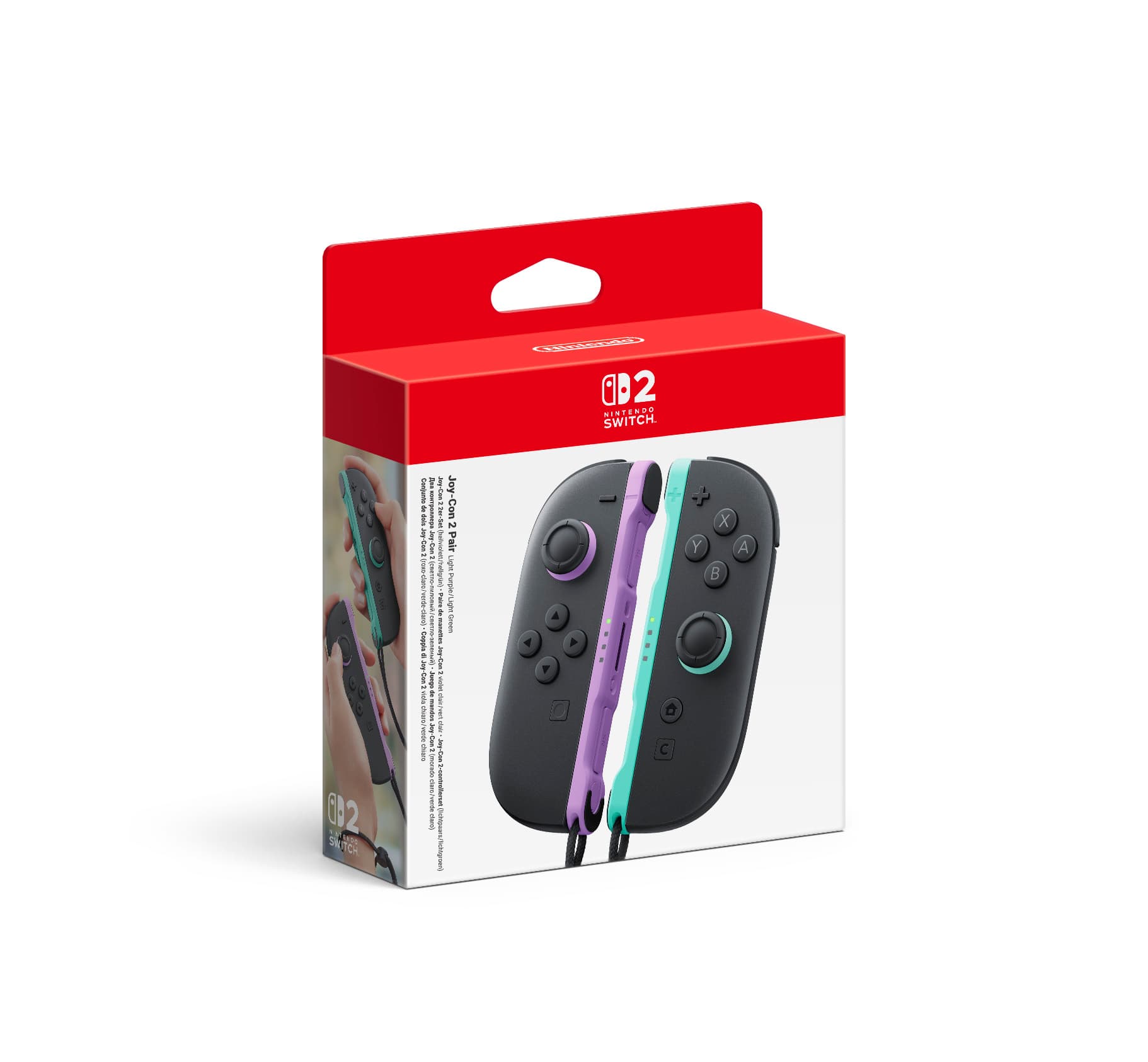
With us today: the Joy-Con 2 pair 110 €, the case with screen protector 45 € and Mario Kart World 100 €.
Products in this guide
The camera connects via USB-C and is used for video calls in GameChat. An extra AC adapter lets the dock stay by the TV. You'll find more under Nintendo accessories.
Is everything for Switch 2 available as a ready-made bundle?
Yes. The bundle Everything you need for Switch 2 opens the configurator with six items preselected: Nintendo Switch 2, Nintendo Joy-Con 2 Pair in Light Blue and Light Red, Nintendo Joy-Con 2 Charging Grip, SanDisk MicroSD Express for Nintendo Switch 2 256GB, Nintendo Switch 2 Carrying Case and Screen Protector, and Mario Kart World. You're free to add, remove and swap items.
How many controllers can you connect to a Nintendo Switch 2?
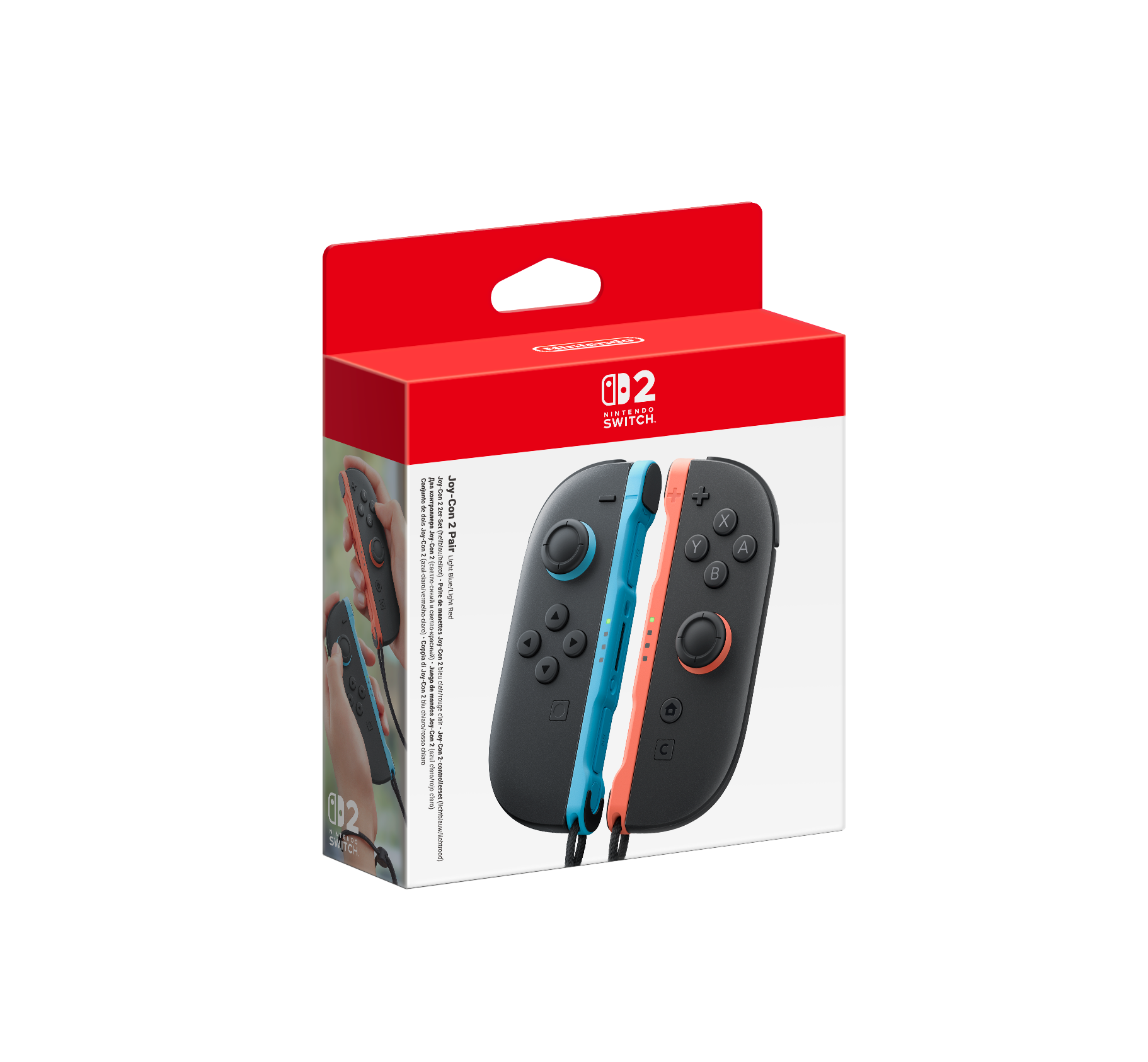
According to Nintendo, in most circumstances up to eight wireless controllers can be connected to a Nintendo Switch 2, but two pairs of Joy-Con 2 are enough for a family. The left and right Joy-Con 2 each count as a separate controller.
The pair in the box is enough when one or two people play, because each Joy-Con 2 can be held horizontally as a controller of its own. You need an extra pair when there are three or four of you, and in games that require a Joy-Con 2 in each hand. Read more in How many people can play on a Nintendo Switch at the same time?
The Nintendo Switch 2 Pro Controller is one full controller for a single player, with a headphone jack and the GL and GR buttons on the back. The Joy-Con 2 Charging Grip turns a pair of Joy-Con 2 into one full controller.
Products in this guide
How do you charge Nintendo Switch 2 controllers?
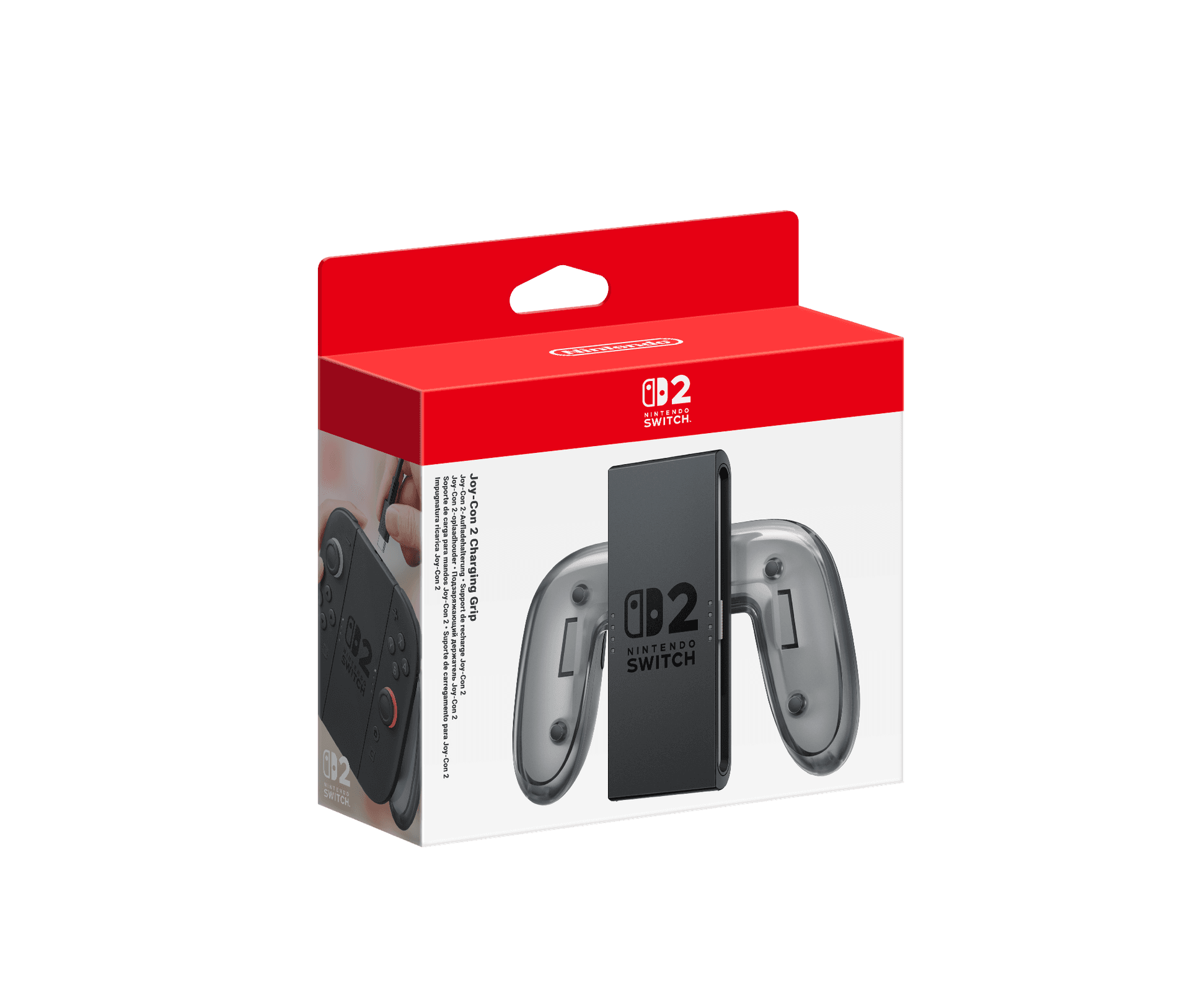
According to Nintendo, Joy-Con 2 controllers charge in two ways: attached to the console or in a Joy-Con 2 Charging Grip. On the console they charge when it is connected to the AC adapter and is switched on or in sleep mode. A full charge takes about 3.5 hours and lasts about 20 hours.
If you have two pairs, only one fits on the console, and the other charges in the charging grip. The grip that comes in the box does not charge. The Switch 2 Pro Controller charges with its own USB cable from the dock or the AC adapter, in about 3 hours.
Which memory card do you need for Switch 2?
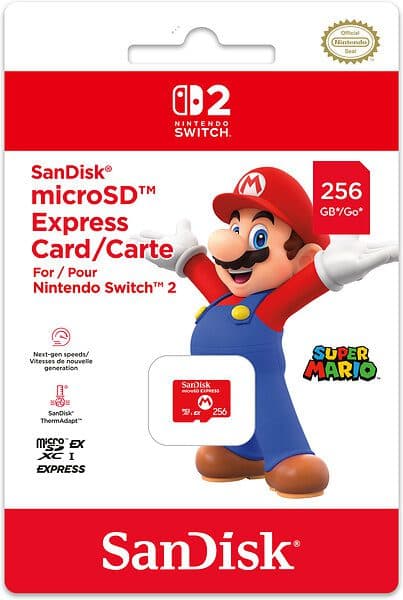
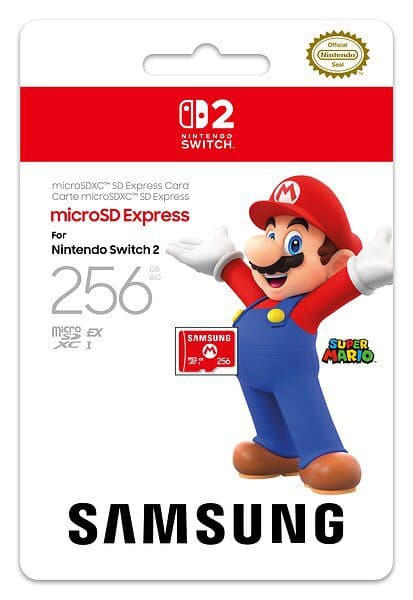
A microSD Express card, but not on day one. Nintendo Switch 2 has 256 GB built in, and you only need the card once you've downloaded so many games that it fills up. According to Nintendo, Switch 2 only takes microSD Express cards, up to 2 TB. A regular microSD card can only be used to view or import screenshots and videos from a Nintendo Switch.
We have two 256 GB cards made for the console, from SanDisk and Samsung. You'll find more under memory cards.
Products in this guide
What protection does a Nintendo Switch 2 need?
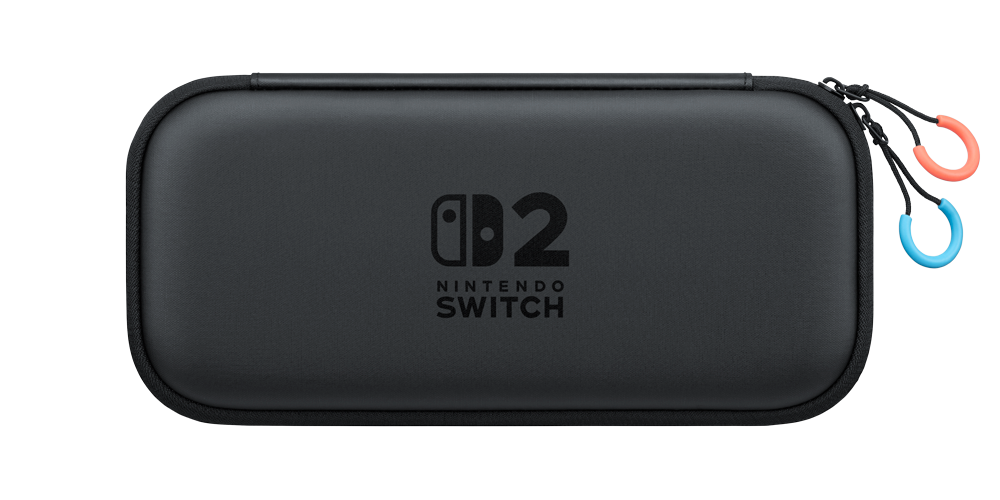
A case and a screen protector, from day one. The Nintendo Switch 2 Carrying Case and Screen Protector contains both.
Here's what we say about it: something like this is a must, otherwise you end up with a rather worn Switch 2. The protection is very good to have when the kids get a bit angry, and other people's kids can get angry at your Switch 2 as well. It happens. It can be worth replacing the screen protector with a new one further down the line.
There's more on travelling in Can you use a Nintendo Switch in the car?
Which games do you need from the start?
At least one, because no game is included in the standard package. Our suggestion for a first game is Mario Kart World. The games we sell are physical editions, and a game card can be moved between consoles.
According to Nintendo, compatible physical and digital games for the original Switch can be played on Switch 2, with some exceptions. Mario vs. Donkey Kong (1 to 2 players, PEGI 3) and Super Mario 3D World + Bowser's Fury (1 to 4 players, PEGI 7) are two examples. Minecraft comes in an edition for Switch 2.
Products in this guide
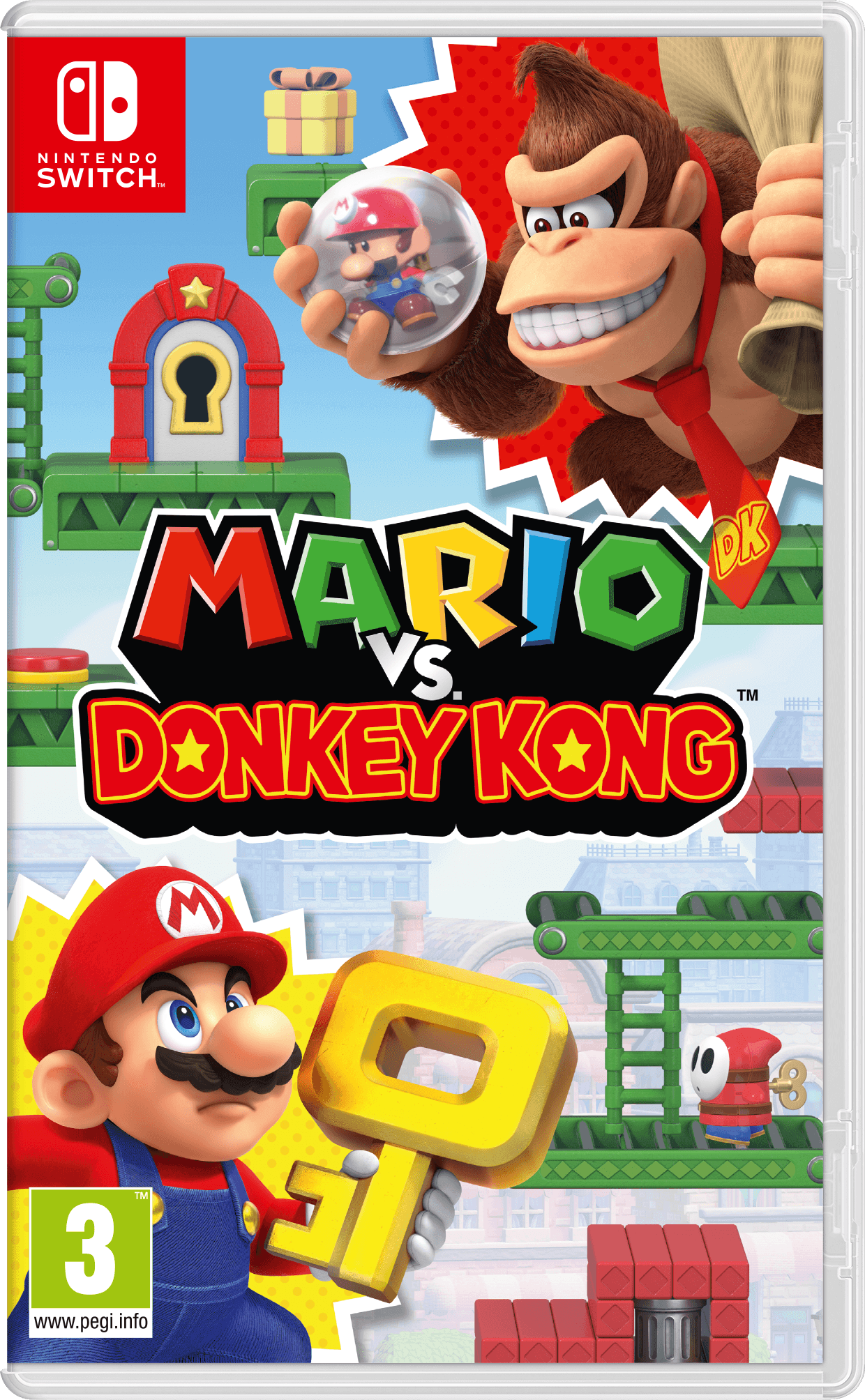
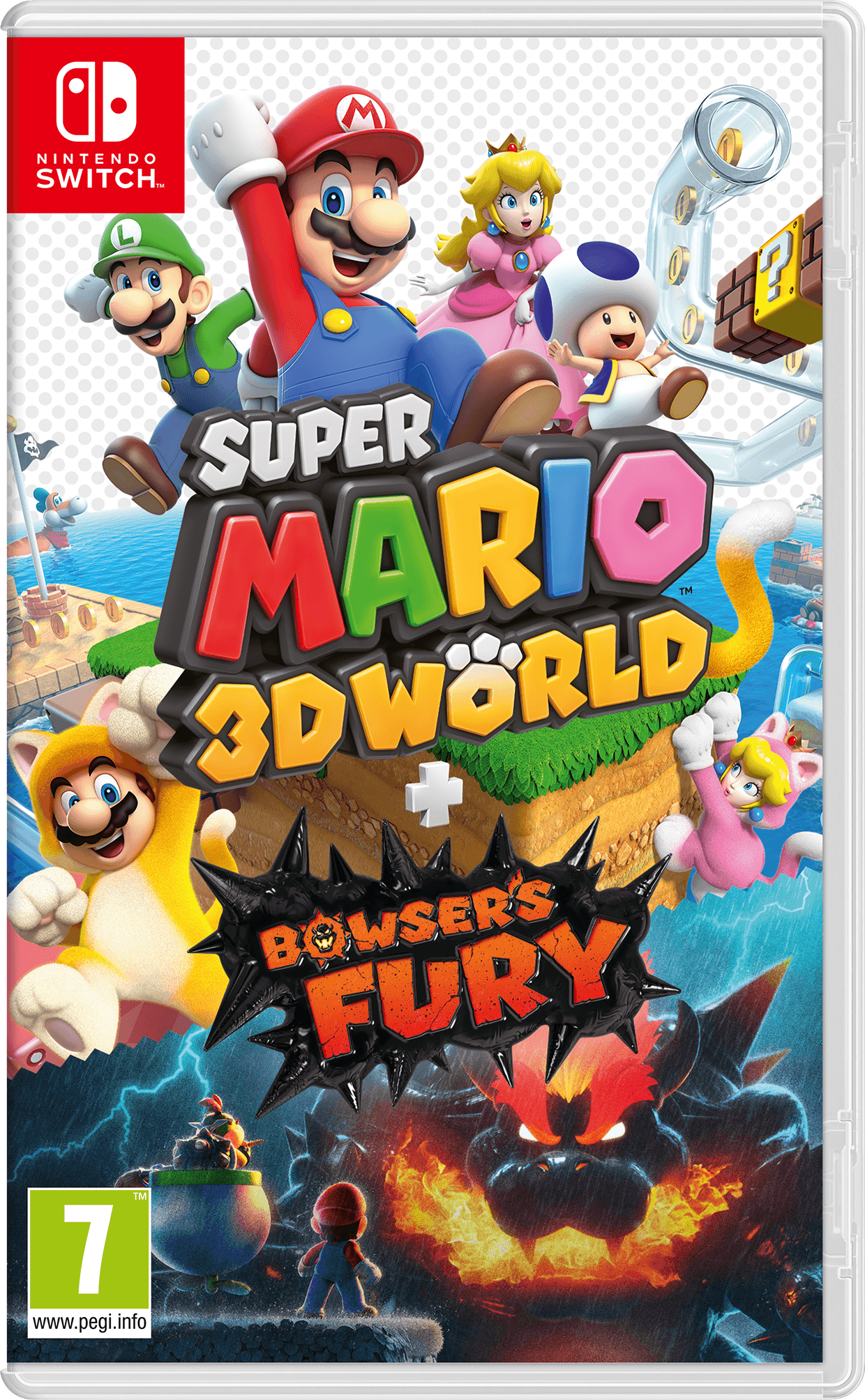
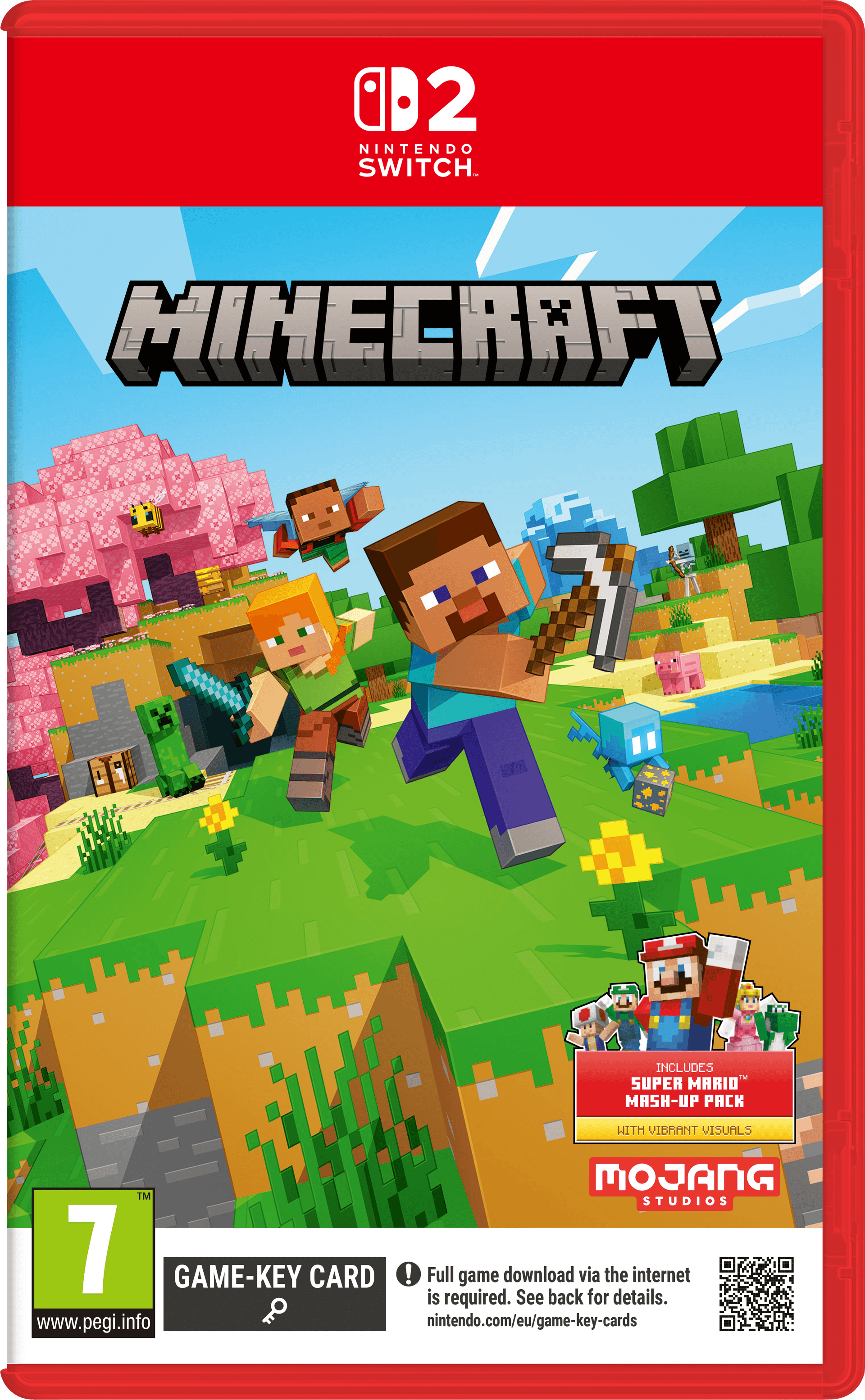
You'll find more suggestions in Which games should I buy for the Switch? and under Nintendo games.
Our own experience: which accessories do we recommend?
Our strongest recommendation is the pair that comes with the console plus an extra pair of Joy-Con 2. In Mario Kart World, two pairs are close to a must. We at Linné Elektronik play with our kids ourselves, and this is what we've learned:
- Joy-Con 2: two people can play with one controller each. They're a bit awkward that way, but it works well in Mario Kart. They can also be used as a mouse, but when is still unclear to us.
- Switch 2 Pro Controller: the range is what impresses most. With the original Switch, the controllers could lose connection now and then when we sat three metres from the TV, but not with this one. We haven't worked out when to use the buttons on the back.
- One full controller: in Mario vs. Donkey Kong and Minecraft you want a Pro Controller or Joy-Con in a charging grip.
Do you have a Nintendo Switch OLED or Lite?
Then you need different accessories from the ones for Switch 2:
- Memory card: Nintendo Switch OLED (64 GB) and Nintendo Switch Lite (32 GB) take regular microSD cards.
- Controllers: according to Nintendo, Joy-Con 2 and the Switch 2 Pro Controller only work with Switch 2. For the original Switch you need Joy-Con and the Nintendo Switch Pro Controller.
- TV: Nintendo Switch Lite has built-in controls and cannot be connected to a TV.
Controllers for the original Switch can, on the other hand, be connected wirelessly to Switch 2. The configurator for those who already have a console only shows what fits your Switch.
The information comes from Nintendo's own pages (checked 23 November 2026).
How do you put together your own bundle?
In the Nintendo configurator you pick the console, controllers, protection and games and see the total as you go. If you're not sure what suits your household, customer service will help.
Legal guarantee
As with everything you buy from us, you have at least 2 years' legal guarantee.
Frequently asked questions
Do old Joy-Con work on Nintendo Switch 2? Yes, wirelessly. According to Nintendo, however, they cannot be attached to Nintendo Switch 2 or charged on it.
Do Joy-Con 2 work on Nintendo Switch OLED or Lite? No. According to Nintendo, Joy-Con 2 and the Nintendo Switch 2 Pro Controller are only for use with Nintendo Switch 2.
Can you use a regular microSD card in Nintendo Switch 2? Not for games. Nintendo Switch 2 only takes microSD Express cards, up to 2 TB.
How long does it take to charge Joy-Con 2? About 3.5 hours according to Nintendo, and a full charge lasts about 20 hours.
Do you need a camera for Nintendo Switch 2? Only for video chat in GameChat and games with camera support. Voice chat works without a camera.
Do you need Nintendo Switch Online? Not for playing together at home on the sofa. The membership is needed for playing online and for GameChat.
Published 23 November 2026 · Linné Elektronik
Join the Customer Club and we will email you when there are new videos and guides, along with our offers.