Prices in this guide: from 36,90 € to 118,90 €
Find My iPhone: how to find your lost iPhone
If you have lost your iPhone, look for it in the Find My app on another Apple device, at icloud.com/find in a web browser or with help from someone in your Family Sharing group. You will see the phone on a map and can play a sound, mark it as lost or erase it. All of this only works if Find My iPhone was turned on before the phone went missing.
Buy now
The short answer
- If you have another Apple device: open the Find My app, tap Devices and then your iPhone.
- If you have no other Apple device: go to icloud.com/find in any browser and sign in with your Apple Account.
- If you use Family Sharing: your iPhone also appears in Find My for the rest of the family.
- If the phone is switched off: with the Find My network turned on, a supported iPhone can be located for up to 24 hours after it is turned off.
- If it has been stolen: mark it as lost, report the theft to the police, contact your mobile operator and don't remove the phone from Find My.
- Before anything happens: turn everything on under Settings > your name > Find My.
How to see where your iPhone is
The app is called Find My, and the setting on the phone is called Find My iPhone. There are three ways to look for it.
With the Find My app on another Apple device
If you have an iPad, a Mac or another iPhone signed in to the same Apple Account, open Find My there, tap Devices and choose the phone. If it can be located, it appears on the map with its current or last known location, and you can get directions to it in Maps.
If the phone can't be located, you will see that no location was found. Turn on the notification for when it is found, and you will get a message as soon as it shows up again. Notifications for Find My must be allowed.
In a web browser: icloud.com/find
If you have no other Apple device, go to icloud.com/find on a computer or a borrowed phone and sign in with your Apple Account. Apple calls the service Find Devices on iCloud.com. There you can see the phone on the map, play a sound, mark it as lost or erase it.
According to Apple, you don't need a verification code to sign in there, so it works even if the missing phone was your trusted device. You do need your Apple Account password.
With help from Family Sharing
If you are part of a Family Sharing group, your devices appear in Find My for the rest of the family, in the Devices list below their own. A family member can then look for your iPhone from their own phone.
Play a sound, mark as lost or erase
You can do all of this both in the Find My app and at icloud.com/find. The difference is what happens when the phone is offline, meaning it is not connected to Wi-Fi or a mobile network.
| Action | What happens | If the phone is offline |
|---|---|---|
| Play a sound | The sound starts after a short delay, gradually gets louder and plays for about two minutes | The sound plays the next time the phone connects to Wi-Fi or a mobile network |
| Mark as lost | The phone is locked with your passcode, cards in Apple Pay are suspended and you can show a message and a phone number | It goes into Lost Mode once the phone is turned on and connected again |
| Erase | All content is erased, and it can't be undone | The erase starts the next time the phone is online |
Play a sound first if the phone could be at home or in the car. You stop the sound with the side button or a volume button. Mark as lost when you don't know where it is, and add a phone number you can be reached on. Erase only when you don't expect to get the phone back, and don't remove it from Find My afterwards, because that removes Activation Lock.

If the phone is switched off or the battery is flat
An iPhone that is offline can still be found if the Find My network is turned on. Other Apple devices nearby then report where it is. According to Apple, a supported iPhone can be located for up to 24 hours after it is turned off, and for up to 5 hours when it is in power reserve mode, which is when it has shut down because the battery ran out. The feature requires iOS 15 or later, and iOS 15.2 or later for power reserve mode. Apple does not list exactly which models are supported in the user guide.
Two more things:
- Send Last Location. When the battery charge level becomes critically low, the phone's location is sent to Apple automatically.
- Seven days. If more than seven days have passed since the phone last sent its location, Find My can't show a location.
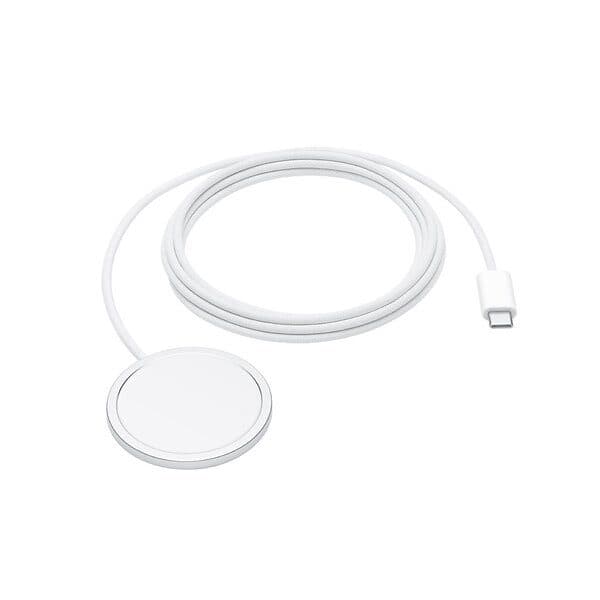
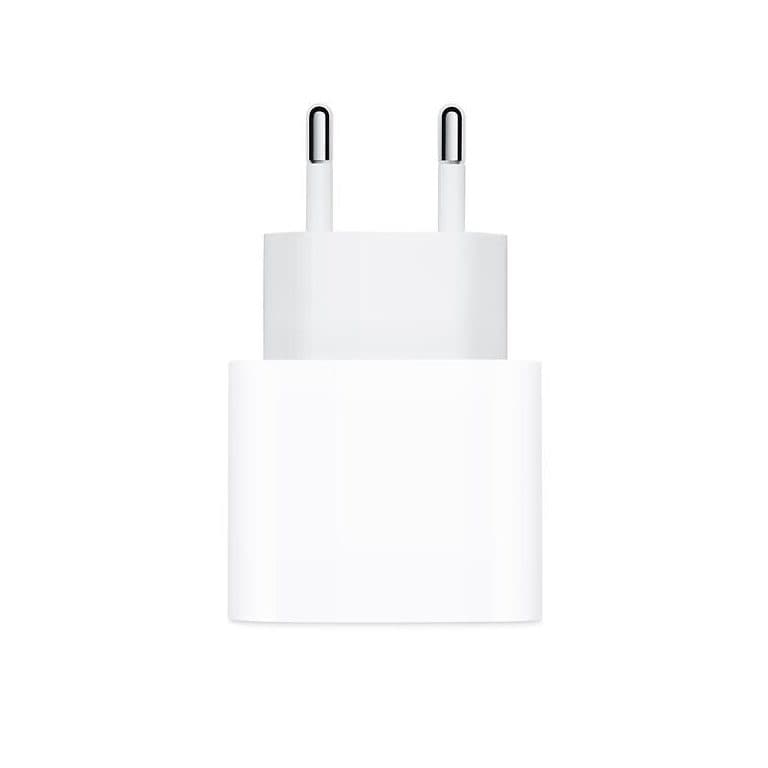
The simplest protection is a charged battery. As long as the phone is on and connected, you can see where it is right now and make it play a sound. iPhone 17 comes with a USB-C cable but no charger. Apple's 20 W adapter fast-charges over a cable. The MagSafe Charger attaches magnetically to iPhone 12 and later, except iPhone 16e, and delivers up to 25 W to iPhone 17 with an adapter of at least 30 W.
Products in this guide
Which charger suits which phone is covered in USB-C chargers and fast chargers. You will find more under Apple chargers.
If your iPhone has been stolen
If you think the phone has been stolen, do this:
1. Mark it as lost in Find My or at icloud.com/find. 2. Report the theft to the police. They may ask for the serial number, and Apple says you can find it even without the phone. 3. Contact your mobile operator and ask them to block your subscription, so nobody can use your SIM card or eSIM. 4. Erase the phone remotely when you no longer expect to get it back. 5. Don't remove the phone from Find My or your Apple Account. That removes Activation Lock. 6. Check your Apple Account from another device and change your password if you see anything you don't recognise.
If the map shows an address you don't know, don't go there yourself. Pass the information on to the police.
Activation Lock protects the phone
Activation Lock is tied to Find My iPhone. It prevents anyone else from activating and using your iPhone, even if it has been completely erased.
- Apple never contacts you to say that your iPhone has been found. If you get a text or an email like that after a theft, it is not from Apple. Never give out passwords or codes.
- If you buy a used iPhone, the seller should have turned off Find My iPhone and erased the phone. If it shows that it is locked to its owner when you start it, don't buy it.
What else to check is covered in Buying a used iPhone in 2026: how to buy safely.
Turn on Find My before the phone goes missing
To be able to find an iPhone, Find My iPhone must be turned on before it is lost. It takes a minute:
1. Go to Settings > your name > Find My. 2. Tap Find My iPhone, then turn on Find My iPhone. 3. Turn on the Find My network, so the phone can be found even when it is offline or switched off. 4. Turn on Send Last Location, so the location is sent to Apple when the battery becomes critically low.
Also write down the IMEI number, which you will find under Settings > General > About, and make sure you know your Apple Account password without looking at the phone. In Find My you can also set separation alerts, so you get notified if you leave a device behind.
AirTag for keys and bags
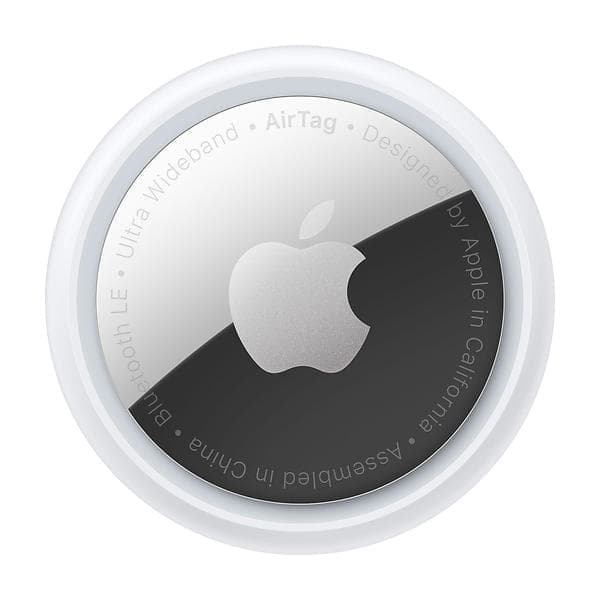
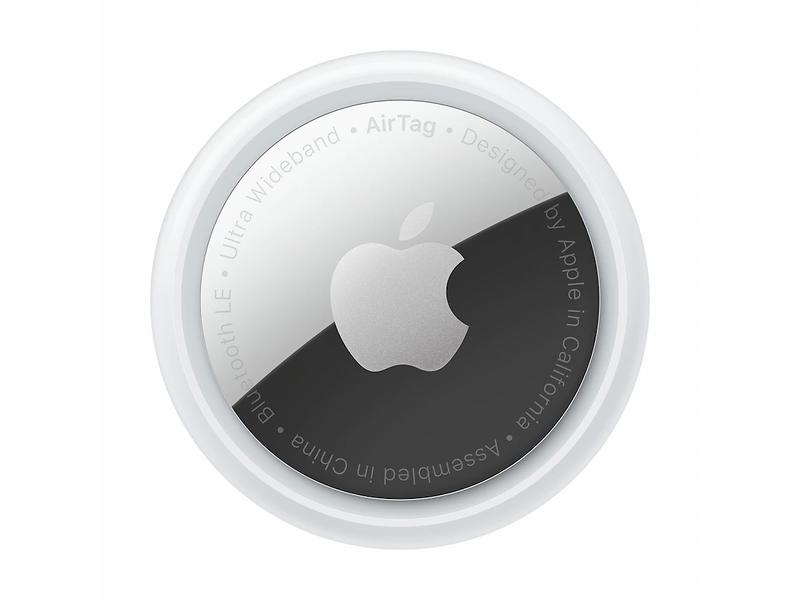
The Find My app is not only for the phone. An AirTag on your keyring or in your bag shows up on the same map and is found through the same network of Apple devices. You set it up with your iPhone and can make it beep. On iPhone 11 and later, except iPhone SE and iPhone 16e, Precision Finding shows direction and distance all the way to it.
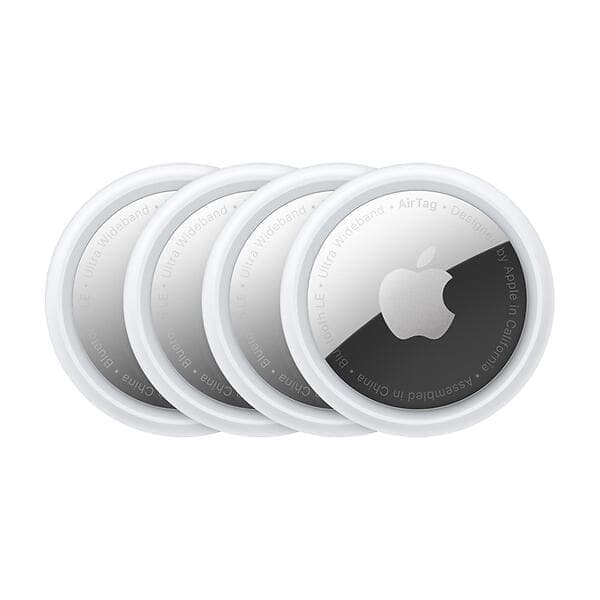
AirTag has a CR2032 battery that lasts more than a year and that you replace yourself, it is rated IP67 and it can be shared with up to five other people. It has no hole, so you need a holder for your keys. The AirTag we sell is the first generation. One costs 50,90 €, and a four-pack at 118,90 € covers keys, wallet, bag and suitcase.
Products in this guide
AirTag is made for things, not for following people, and iPhone and Android warn you if an unknown AirTag is moving with you. If you have a Samsung, the differences are explained in AirTag or SmartTag 2?, and trackers and accessories are under AirTag. If you have lost an AirPod, read Lost an AirPod or the case?
If the phone does not come back
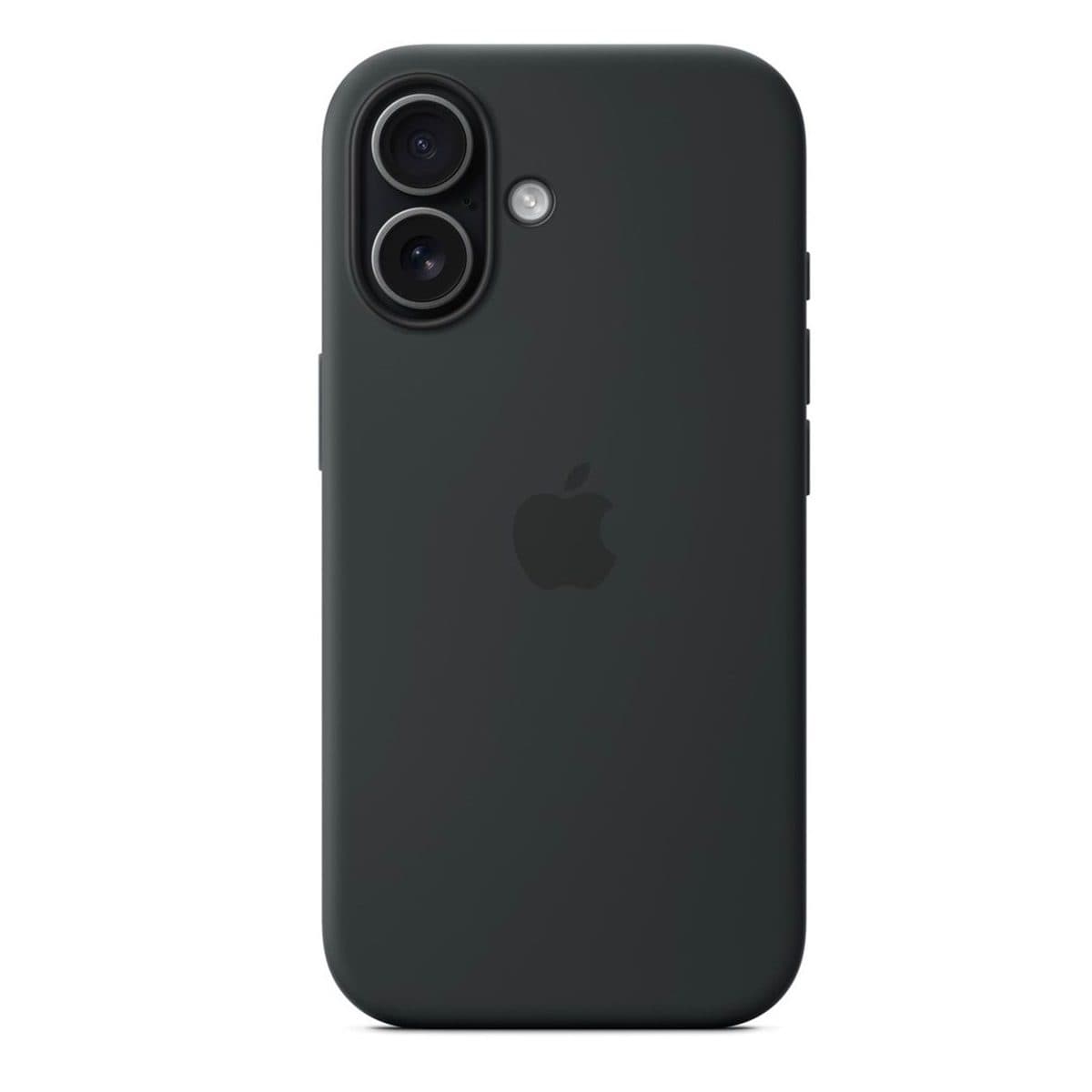
If the phone is gone for good, a new iPhone is the safest way to start again: no previous Apple Account it could be locked to, a new battery and Find My turned on from day one. iPhone 17 has the A19 chip, 120 Hz ProMotion and takes both a SIM card and eSIM. Apple's Silicone Case with MagSafe is made for exactly iPhone 17 and works with the MagSafe Charger. The delivery time is shown on the product page and at checkout, see delivery terms.
Products in this guide
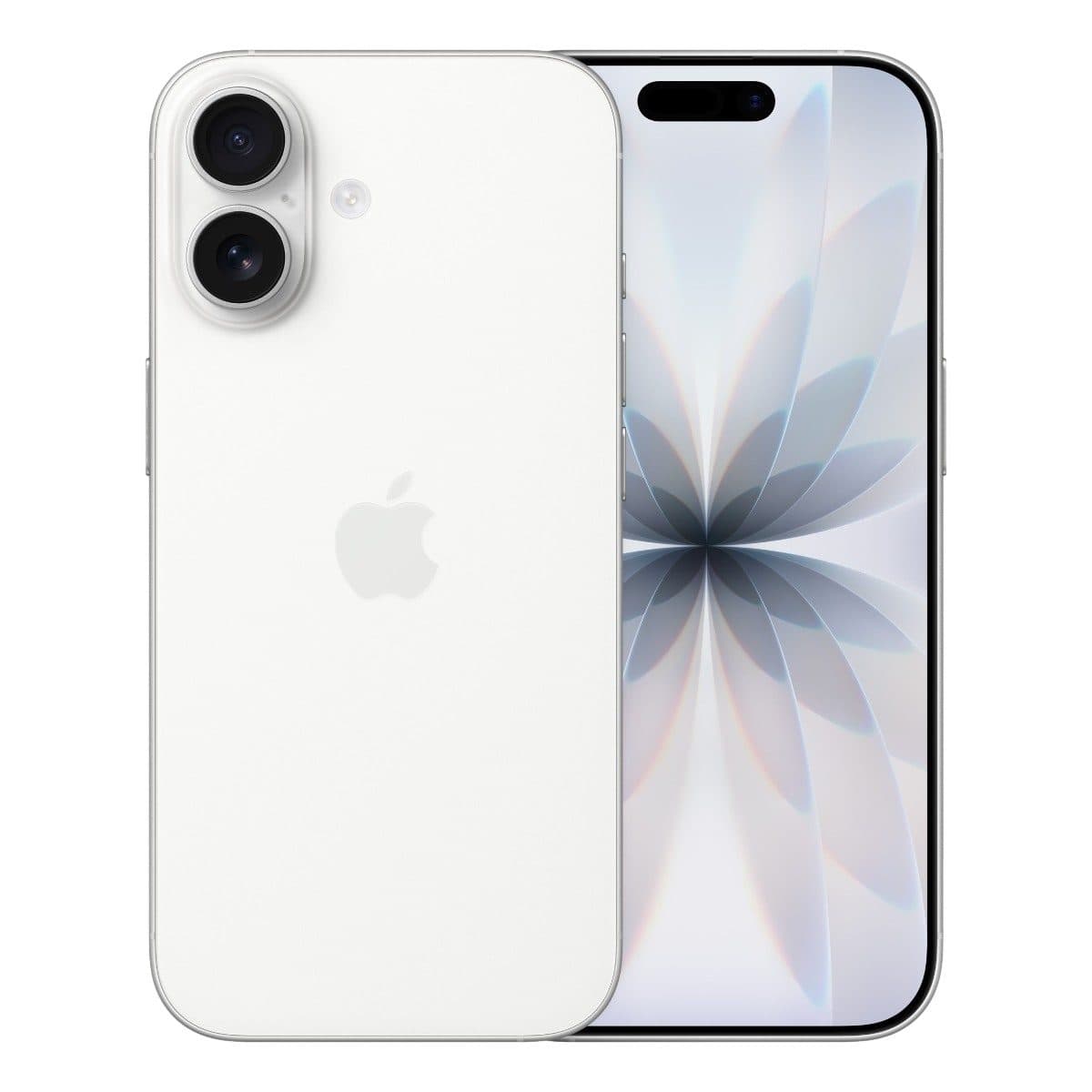

Compare the models in iPhone 17, 17 Pro or 17e or see them all under iPhone. If you would rather buy used, check Activation Lock before you pay.
The information about Find My comes from Apple's support pages and the iPhone User Guide for iOS 27, and the information about AirTag and chargers from Apple's own pages (checked 25 November 2026). The guide is based on them and on what our customers ask about.
Legal guarantee
As with everything you buy from us, you have at least 2 years' legal guarantee. If you have questions about a purchase, contact customer service.
Frequently asked questions
Can you find an iPhone that is switched off? Yes, if the Find My network was turned on. According to Apple, a supported iPhone can be located for up to 24 hours after it is turned off, and for up to 5 hours in power reserve mode when the battery has run out.
How do I find my iPhone without another Apple device? Go to icloud.com/find in a web browser and sign in with your Apple Account. There you can see the phone on the map, play a sound, mark it as lost or erase it.
What happens when I mark my iPhone as lost? The phone is locked with your passcode, cards in Apple Pay are suspended and you can show a message and a phone number on the screen. If the phone is offline, it goes into Lost Mode once it is turned on and connected again.
Can a thief use my stolen iPhone? Activation Lock makes it difficult. As long as Find My iPhone is turned on, it prevents anyone else from activating and using the phone, even if it is completely erased.
How do I turn on Find My iPhone? Go to Settings > your name > Find My, tap Find My iPhone and turn it on. Also turn on the Find My network and Send Last Location.
Will Apple contact me if my iPhone is found? No. Apple never contacts you to say that your iPhone has been found, so a message like that does not come from Apple.
Can I find my keys with my iPhone? Yes, with an AirTag on your keyring. It appears in the Find My app on the same map as your devices and requires an iPhone or another Apple device.
Published 25 November 2026 · Linné Elektronik
Join the Customer Club and we will email you when there are new videos and guides, along with our offers.