Prices in this guide: from 105 € to 599 €
The Nintendo configurator: build your Switch bundle in one place
How is anyone supposed to know it all? Which controllers fit, which case keeps the screen safe, do you need a memory card, and which games can you play together with the kids? The answers exist, but they are spread across a hundred product pages.
That is why we built the Nintendo configurator. It shows the console, the accessories and the games in one view, and you build your bundle step by step.
Buy now

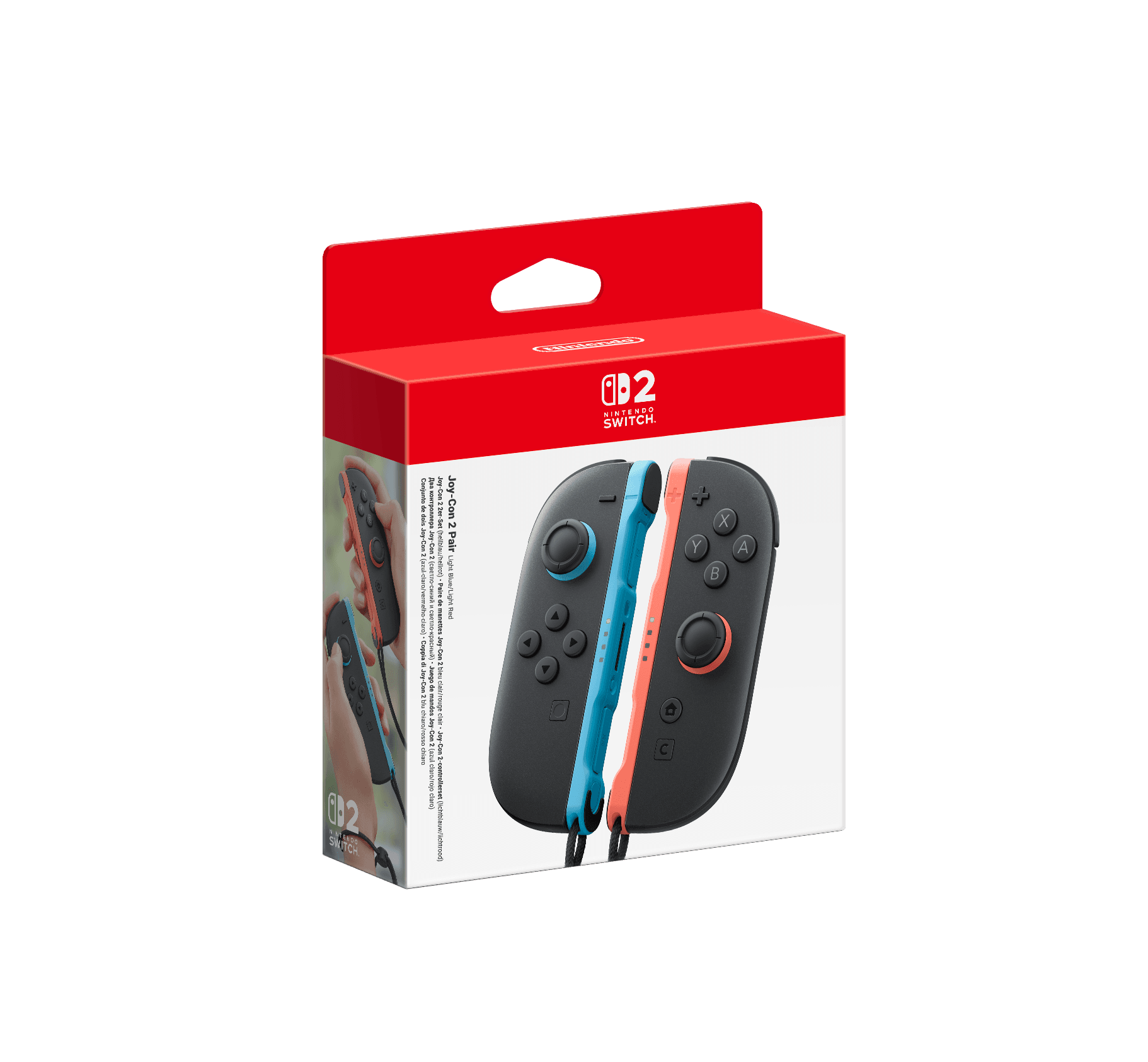
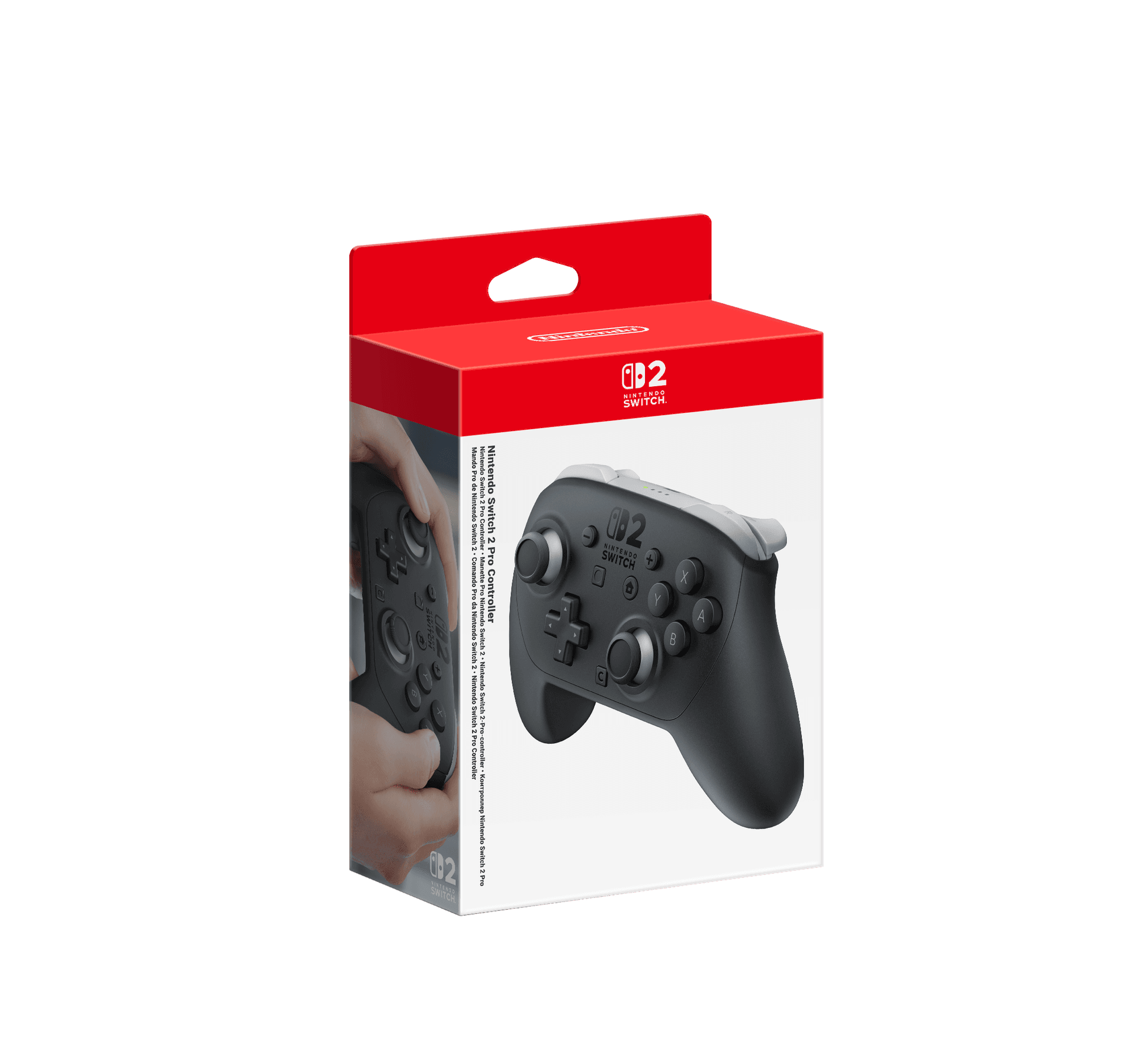
The short answer
- Everything in one place: console, controllers, cases, memory cards and games in the same view, with your bundle and the total next to it.
- Already own a Switch? Tell us which one, and we only show what fits it.
- Find the right game fast: filter by family games, co-op on one TV, series or age, for example.
- Save or share: the bundle can be saved as a link and sent on.
Open the configurator and try it yourself.
How it works: three steps
1. Console. Choose the console the bundle is built around, or tell us you already have one. 2. Accessories. Controllers, charging, cases, screen protectors and memory cards, grouped by type. Our tip is at least one extra pair of Joy-Con, so more people can play at once. 3. Games. Pick as many as you like. The games are physical editions.
Your bundle stays on the right the whole time, with what you have chosen and what it costs together. When you are happy, you add everything to the cart in one tap. If something is already in your cart, the configurator shows it, so you do not buy the same thing twice.
Already own a Switch? Start there
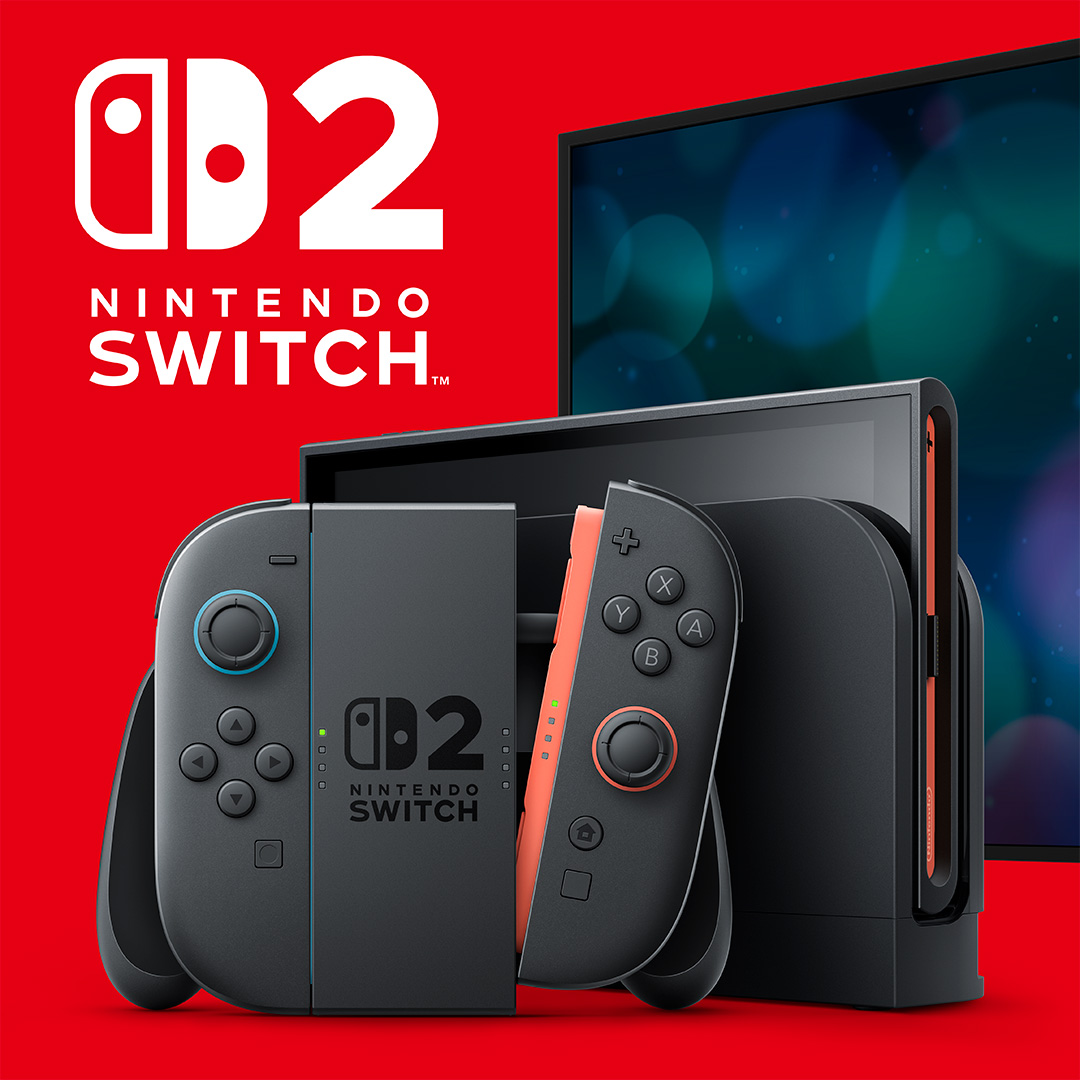
You do not need to buy a new console to get something out of the configurator. Choose I already have a console and say whether it is a Nintendo Switch 2 or a Nintendo Switch, OLED or Lite. We then show the accessories and games that fit your console.
With a Switch 2 you see both the games made for it and the Switch games that also play on it. That gives you an overview of everything you can add, without having to search.
Find the right game with the filters
The games step has filters that make it easy to find something the whole group will enjoy:
- Play mode: family games, multiplayer, co-op on one TV, co-op across consoles, single player, GameShare, camera support and online.
- Console: games for Switch 2 or for Switch.
- Genre and series: for example Mario, Pokémon, Zelda, Minecraft or Kirby.
- Age and language: PEGI age rating and which languages the game comes in.
Looking for something the whole family can play together? Just choose Family games. To read which games we think work best, see The best console for families.
Why we believe in this
We think you feel safer as a customer when you see everything in one place and know the parts fit together. You should not need to be an expert to put together a good gift or upgrade your own console. And it should be a bit of fun along the way.
The configurator also saves the bundle you have started, so you can carry on later. With the button Save or share the bundle as a link you can send the bundle to someone else in the family before you decide.
From Bergsala, Nintendo's official distributor in the Nordics
We carry what Bergsala has to offer. Bergsala AB in Kungsbacka distributes Nintendo in the Nordics, and items marked Via Bergsala are bought directly from them. They carry a 2-year warranty and are serviced in Sweden.
We keep looking for more good accessories, so the range in the configurator will grow.
Products in this guide
Coming soon: the same for GoPro
We are now building the same setup for GoPro. You pick a camera, or tell us you already have one, and then see every accessory you might need: mounts, batteries, microphones and protection. It should also be clear what is already included in the kit, so you do not buy anything twice.
We believe strongly in this concept going forward, and more brands may follow.
Watch the demo on YouTube
We will soon post a demo of the configurator on our YouTube channel, showing how it works and the fun things we have found. Subscribe to Linné Elektronik on YouTube so you do not miss it.
Frequently asked questions
What is the Nintendo configurator? A page where you build a bundle of console, accessories and games step by step, and see it all together before adding it to the cart.
Do I have to buy a console? No. Choose I already have a console and say which one, and only accessories and games that fit it are shown.
Does it work for Switch, OLED and Lite? Yes. You can choose Nintendo Switch 2 or Nintendo Switch, OLED or Lite.
How do I find family games? In the games step, choose Family games under Play mode. You can also filter by co-op on one TV, series and age rating.
Can I save my bundle? Yes. The bundle you have started is saved, and you can save or share it as a link.
Is a GoPro configurator coming? Yes, we are building the same setup for GoPro. We will tell you when it is ready, including on our YouTube channel.
Can I ask you before I buy? Yes. Write to customer service or email info@linneelektronik.com, and we will help you put the bundle together.
Published 18 November 2026 · Linné Elektronik
Join the Customer Club and we will email you when there are new videos and guides, along with our offers.